1
BMG Labtechnologies
FLUOstar*OPTIMA
Software User Manual
6.4 Measurement
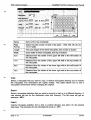
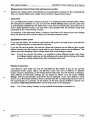
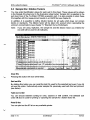
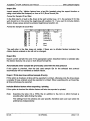
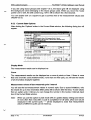
After entering IDs / performing the gain adjustment, you have the following options:
Start test run:
Begins the measurement using the defined gain.
Save & Close:
Saves the results of the gain adjustment, the ID settings and the
dilution factors and return to the main menu without performing a
measurement.
Cancel:
Closes this window without saving the gain adjustment results and ID
settings and without starting the test.
6.4.1 Time Duration
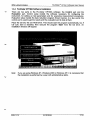
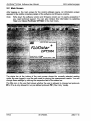
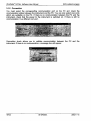
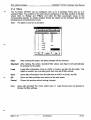
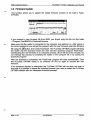
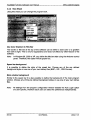
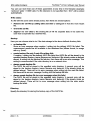
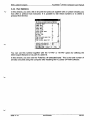
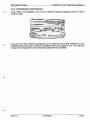
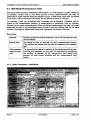
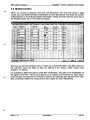
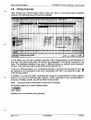
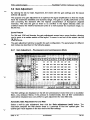
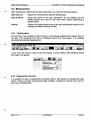
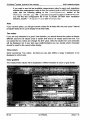
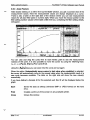
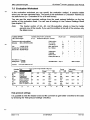
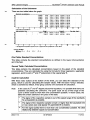
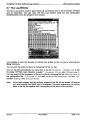
On top of the main program window, there is a time gauge indicating the elapsed time of
the test. The remaining time will be displayed above the time gauge. It is updated
dynamically during the measurement.
s= FLU O star* OPTIMA
Setup
Jest Setup
Measure
BMGLabtecfmologies
jResults
JHelp
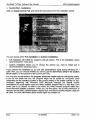
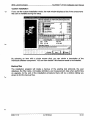
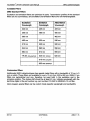
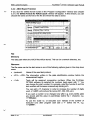
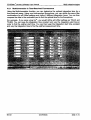
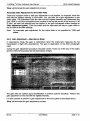
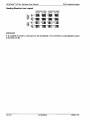
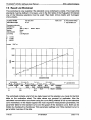
If you move the mouse cursor to the time gauge, a small window with additional timing
information will appear.
Total test run time:
Elapsed test run time:
2 min 15 s
39 s
Current cycle:
2 of 3
Total time for current cycle: 50 s
Remaining cycle time:
42 s
6.4.2 Stopping the Test Run
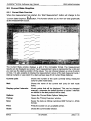
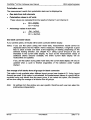
It is possible to stop a measurement procedure after it has started by pressing the stop
button. If there is already measurement data available, a dialog box will ask if you want to
save the incomplete data.
2002-11-15
0413F0003A
85/123


![[v0.3.5.63 Blue Release] (4.17MB PDF)](http://vs1.manualzilla.com/store/data/005758602_1-69f3b29a9a050ef0b6d8d37fccf12e09-150x150.png)