1
40
5. SMS – Quick Guide
SMS can record live video and audio data over network and manage recorded data with full
flexibility. Under effective combination with CMS, user can build up perfect total management
system like no others in the security industry.
The instruction for initial operation of SMS software is described in this quick guide. For full
details, please see SMS User Manual contained in the CD.
5.1 Software Installation
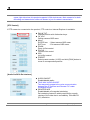
User can find “SMSSetpup.exe” file in the CD and click it to start the installation of SMS software.
User can easily set up this program by InstallShield Wizard as below, which is for user to simply
click “next” buttons.
Upon clicking “Finish” button, user can find the icon of “SMS”
created on desktop window.
After initial installation, user can click this icon to execute SMS software.
Note
SMS program is located in “C:\Program Files\SMS” as default unless user changes its
folder during program installation.
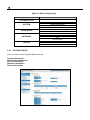
5.2 Initial Setting
5.2.1
System Startup
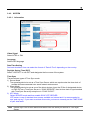
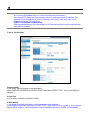
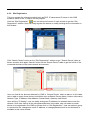
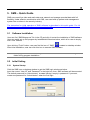
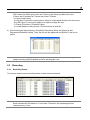
Click the SMS icon on desktop window to get the SMS login window as below.
Input the correct “User ID” and “Password” in the login box, then, SMS software will be executed.
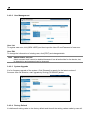
The default password for “Administrator” is none, leaving it empty in password. If you want,
create new password for “Administrator” when the first login.