1
PL2775 Application Note
Document Rev 1.0
an_PL2775_User Manual 20110307
4.
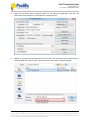
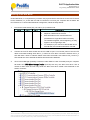
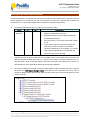
Click on External Firmware Filename box to browse for the PL2775 firmware hex file. Browse to
the folder where the PL2775 firmware hex file is located and click Open to load the firmware hex
file. After loading the firmware hex file, you can also choose to configure the USB Descriptor
Table according to your product description. If all configuration settings are done, click on Write
configure & FW button to start the update.
5.
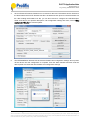
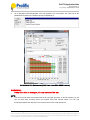
The EEPROM Editor will then start to write the firmware and configuration settings. Do not power
off the device until the configuration is complete. Click OK when finished and then reset the
device power to activate the new firmware and configuration settings.
Prolific Technology Inc.
- 6 of 15 -
March 7, 2011
All the information in this document is deemed to be correct but is subject to change without prior notice. Prolific Technology Inc.
does not make any warranties (implied or otherwise) regarding the accuracy and completeness of this document and shall in no
event be liable for any loss of profit or any other commercial damage.