1
SIMUL8 User’s Manual
The Simulation Time
SIMUL8, like all simulation packages, contains a clock against which the model runs.
(Everything in the model is adjusted to match with what would happen in the real
situation at the time which is currently shown on the clock). The clock runs much
faster than it does in real life. This enables you to watch what happens in the situation
you are modeling in fast-time - so you can gain insights as to how to improve it.
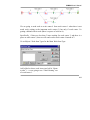
Clock
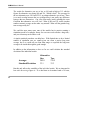
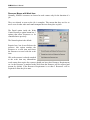
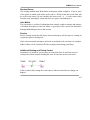
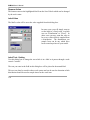
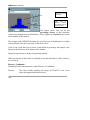
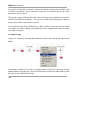
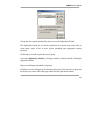
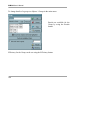
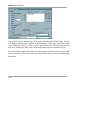
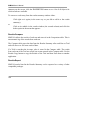
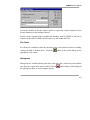
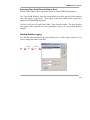
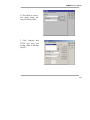
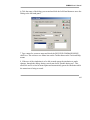
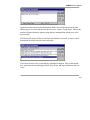
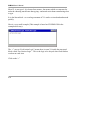
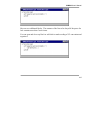
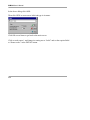
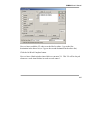
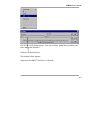
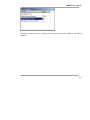
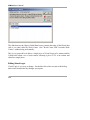
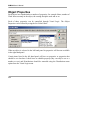
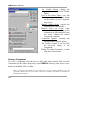
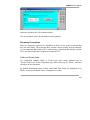
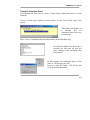
The format of the clock can be changed using the CLOCK / CLOCK FORMAT menu
or by "double-clicking" the clock window.
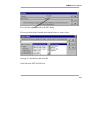
The clock can be digital or analog and can show information about the day and week
too.
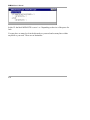
Results Collection Period
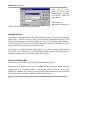
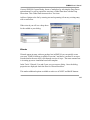
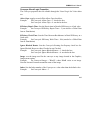
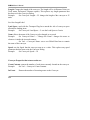
The results collection time is how long the model should be run before automatically
stopping while collecting results. The model will not start to collect results until the
warm-up-time is finished.
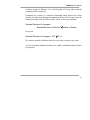
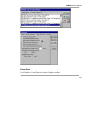
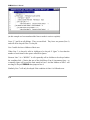
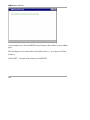
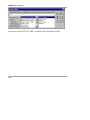
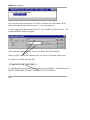
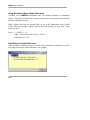
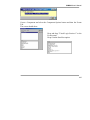
Set the results collection period from CLOCK / RESULTS COLLECTION in the
main menu.
For a detailed discussion of this aspect of simulation modeling see the section
“Simulation - The Technique - A Guide”
89