1
SIMUL8 User’s Manual
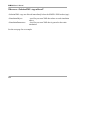
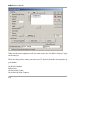
Add Work Item to Queue command
Parameters
Work Item Type
Storage Bin
Description:
Creates a work item and adds it to the storage bin. The added work item
becomes the Current Work Item.
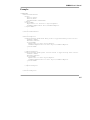
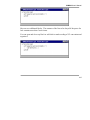
VL SECTION: Example Block 1
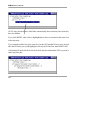
Add Work To Queue Main Work Item Type , Storage Area 1
SET Label 1 = 5
This block adds a work item to Storage Area 1 and then sets the value of Label 1 to 5.
Add Work to Queue is a special case as there is no need to use the Select command to
identify the Main Work Item.
Adjust Results Collection to Summary
Parameters
No parameters are required
Description:
Switches Results Collection on/off depending on use on Results Summary.
VL SECTION: Example Block 1
Adjust Results Collection to Summary
261