1
SIMUL8 User’s Manual
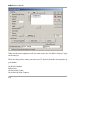
Wizards have been used to construct the SIMUL8 templates in the Templates
directory. Use these are examples of how to create your own Wizard based
simulation templates.
Debugging
NB See also the section on the Watch Window!
Checking that a simulation is doing what it is designed to do needs some special tools.
SIMUL8 provides 3 main ways of checking the simulation’s operation:
1: The Simulation Monitor
2: Visual Data
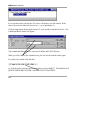
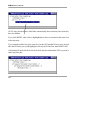
3: Visual Logic:
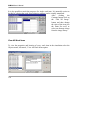
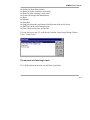
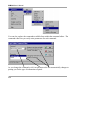
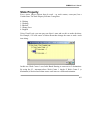
Disable Current Line
Stop (debug) current line
Show message
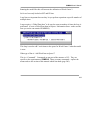
There is also a facility to view the content of a file as text, so that key phrases or
words may be searched for.
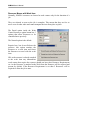
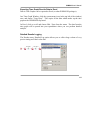
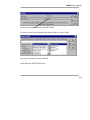
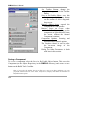
Simulation Monitor:
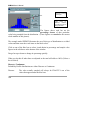
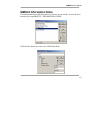
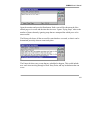
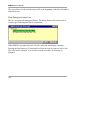
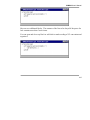
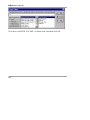
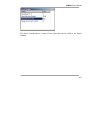
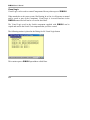
The Simulation Monitor is accessed through the Clock Menu, Simulation Monitor
option. It shows every event that has happened, is currently happening, or is due to
happen.
190