1
SIMUL8 User’s Manual
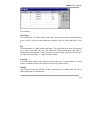
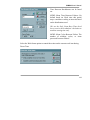
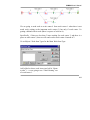
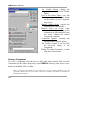
work item of the same type the work center will look anywhere in the queues that feed
it (not just at the head of the queue).
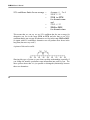
Negative and zero values are not allowed (they will cause any product to be accepted
next).
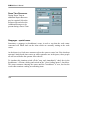
Routing Out of a Work Center
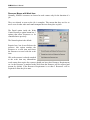
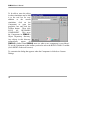
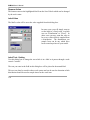
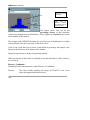
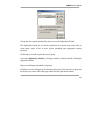
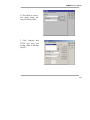
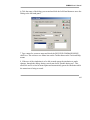
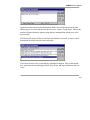
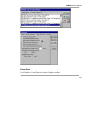
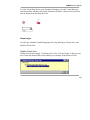
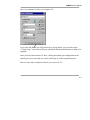
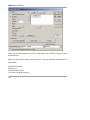
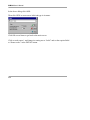
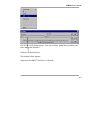
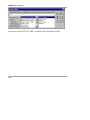
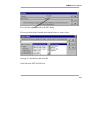
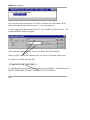
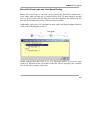
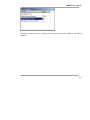
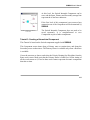
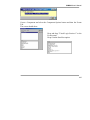
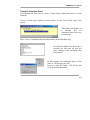
Use the routing-out dialog to tell SIMUL8 where work items should go next after
being at a work center.
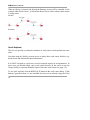
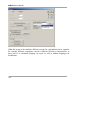
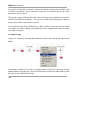
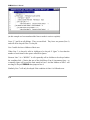
If one work center is connected to the next with one simple connection (arrow) then
the routing dialog has no options.
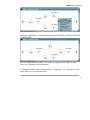
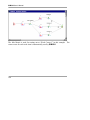
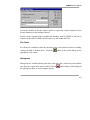
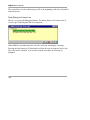
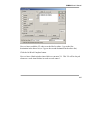
If there is a choice of two or more locations to go to then the routing dialog box can
be used to change the routing rules.
103