1
510140.qxd
9/4/02
9:45 PM
TOC
Page 17
INDEX
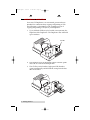
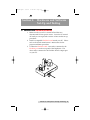
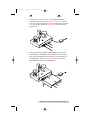
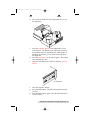
b. Put a stack of blank CDs in the Input Bin (the one on
the right side).
c.
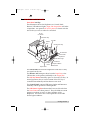
Press the Sequence button on the Duplicator's front
control panel. The Robotic Arm will swing around to
do an initial check to optically detect which printer is
installed. It will then go to a position directly above
the Input Bin.
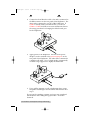
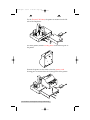
d. Press the Pick button on the control panel. The robotic
arm will pick up a disc.
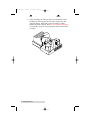
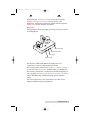
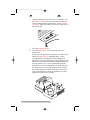
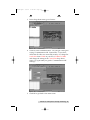
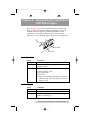
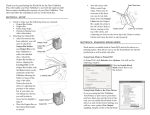
e. Open the CD-R Recorder's CD Tray with the CD Tray
button.
CD Tray Button
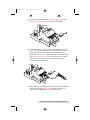
f. Press the Sequence button.
g. Press the Pick button. The CD will be placed into the
CD Tray.
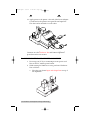
h. Press the Pick button again. The CD will be lifted out
of the CD Tray.
Hardware and Software Set-Up and Testing 17