1
510140.qxd
9/4/02
9:45 PM
TOC
4.
Page 3
INDEX
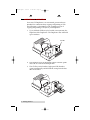
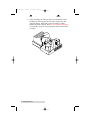
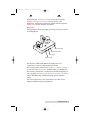
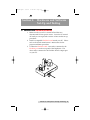
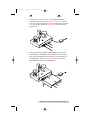
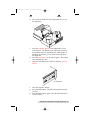
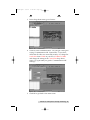
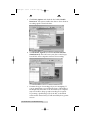
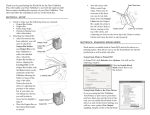
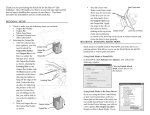
The CD Tray on the CD Recorder automatically shuts.
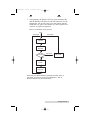
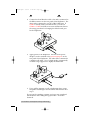
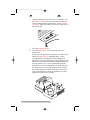
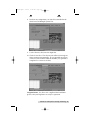
Through software control, you can perform a verification
test on each CD-R disc before recording. If a disc does not
pass (meaning that all or part of that disc is not
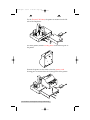
recordable), the Robotic Arm picks it out of the CD Tray
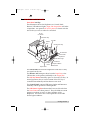
and sends it to the Reject Area, located at the front left side
of the Duplicator. Rejected discs simply drop onto your
table-top in this area.
Since most CD-Rs available today are of extremely high
quality, you will rarely reject a disc. Nevertheless, it is
good practice to verify each disc - just in case. You
certainly don't want to send out a great looking disc that
does not read properly in your customer's CD drive! Keep
in mind that verifying each disc will add extra time to the
recording process.
5.
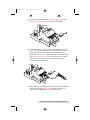
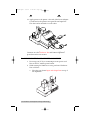
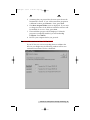
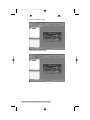
The CD-R is now recorded. If you were to fill up each CD
with data, audio, video or music (650 MB), recording time
is about 6 minutes each. Most jobs don't fill the entire
CD-R, so recording time is usually less than this.
Getting Started 3