1
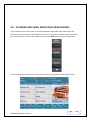
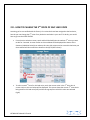
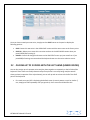
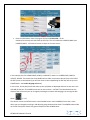
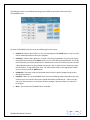
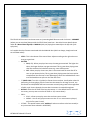
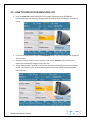
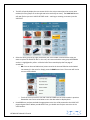
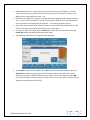
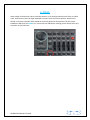
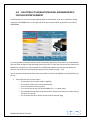
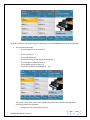
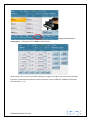
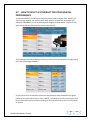
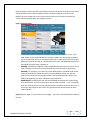
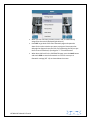
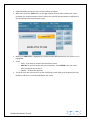
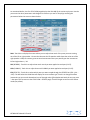
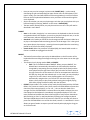
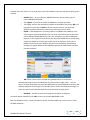
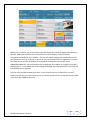
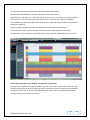
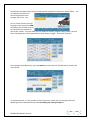
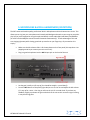
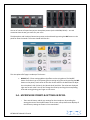
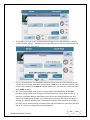
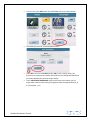
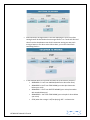
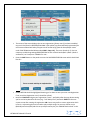
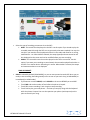
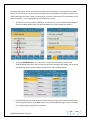
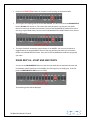
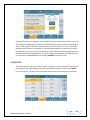
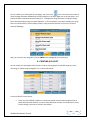
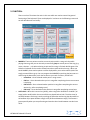
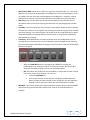
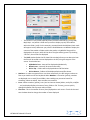
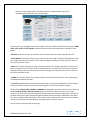
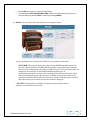
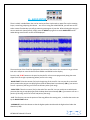
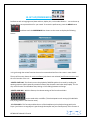
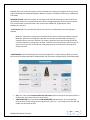
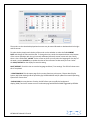
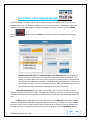
5. FUNCTION:There are a lot of functions that exist in this area which are used to control the general functioning of the keyboard. These are displayed in 3 columns on the following screen and we will describe each one briefly:- MARKER:- These are pointers used to set certain points within a song such that while playing that song, that you can instantly or eventually jump to certain parts of the song (e.g. verses, choruses … etc) without having to wait until the song is finished. Midi Programs like Cubase or Cakewalk can be used to create/insert the markers within the song. When you touch MARKER, these marker points are then displayed for you to select where (within the song) you would like to go to. You can program the MARKER (by touching the box next to it and turning the data wheel ) such that as soon as you touch a marker, the SD7 will:o Immediate – Go to selected marker point in song at once o End bar – Go to selected marker point in song after completing the current measure it is playing. o End Section – Go to selected marker position in song after completing the current section (e.g. after completing verse). o End Loop – Go to selected marker position in song after completing current loop. AUTO PLAY:- When this is turned on (yellow), when using either PLAYER 1 or PLAYER 2, all songs (midi or audio) within the current folder are played back to back. The silent time (in seconds) between each song is set by touching the Space box and turning the data wheel to set between 0 (no space between songs) to 30 (30 seconds between songs). This feature is great especially when you are performing and need to take a break between sets but have no DJ. KETRON SD7 Manual & Tutorial 109