1
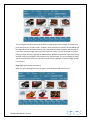
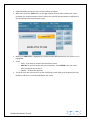
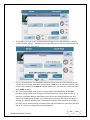
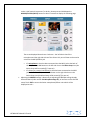
This is discussed in more depth below
under the MENU section.
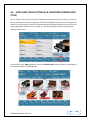
GETTING AROUND THE SD7 – NAVIGATION
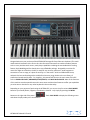
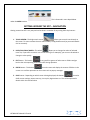
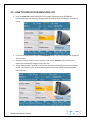
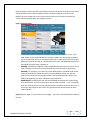
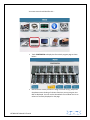
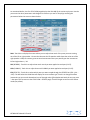
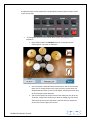
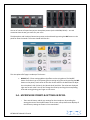
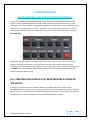
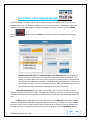
Getting around the SD7 is very easy and can be done in a number of ways using these key buttons:-
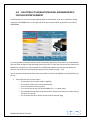
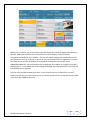
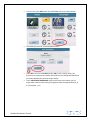
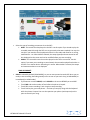
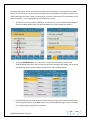
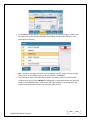
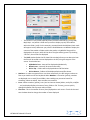
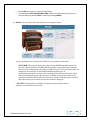
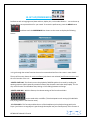
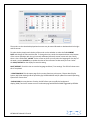
1. TOUCH SCREEN:- The bright touch screen
allows you to touch icons directly on
the screen. To access contents that are within folders, simply double touch (as you would double
click on a mouse).
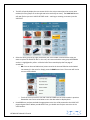
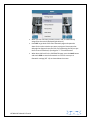
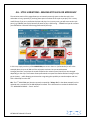
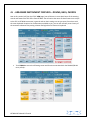
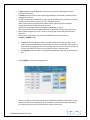
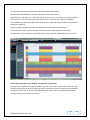
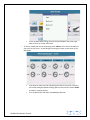
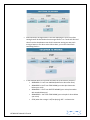
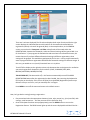
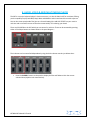
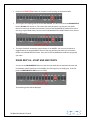
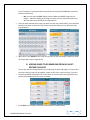
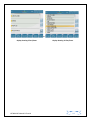
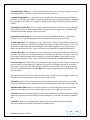
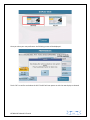
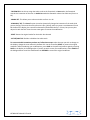
2. DATA/VALUE DIAL/WHEEL:- This wheel
allows you to change the values of selected
items. So, if you touch a numeric icon on the screen (for an example), you can turn this wheel to
change its value quickly.
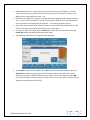
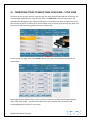
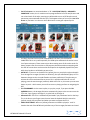
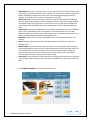
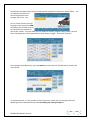
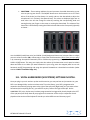
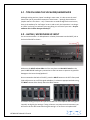
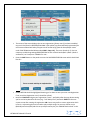
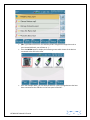
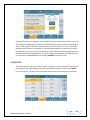
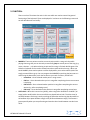
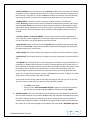
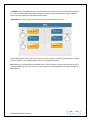
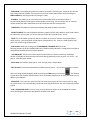
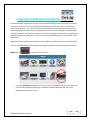
3. EXIT button:- This button
is very useful to get out of sub menus or folders and get
back to the main operating screen of the SD7 during operation
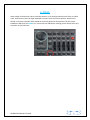
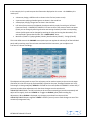
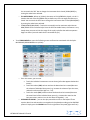
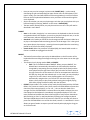
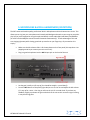
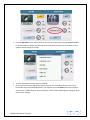
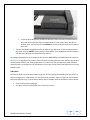
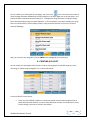
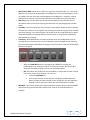
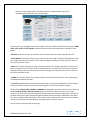
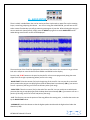
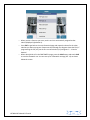
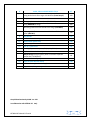
4. ENTER button:- This button
is used to enter and display the content of folders in the
screen or to confirm operations on the screen such as pop up messages.
5. SAVE button:- Depending on which screen is being displayed, this button
is used to
SAVE current settings, custom start up, User styles, Registrations etc. This will be explained in
details within the manual below
KETRON SD7 Manual & Tutorial
3