1
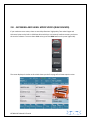
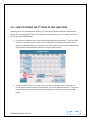
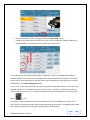
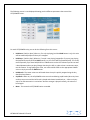
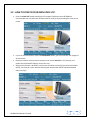
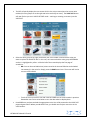
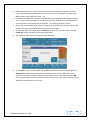
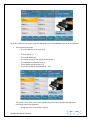
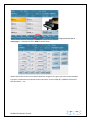
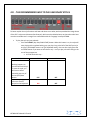
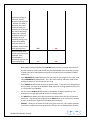
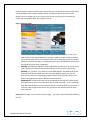
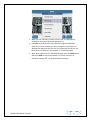
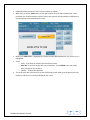
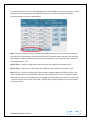
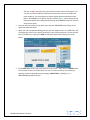
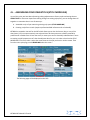
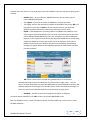
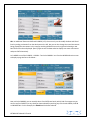
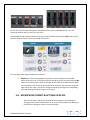
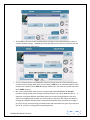
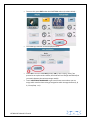
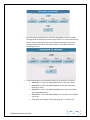
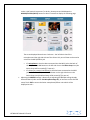
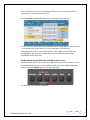
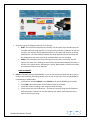
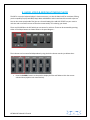
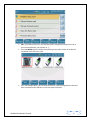
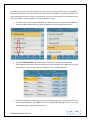
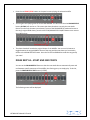
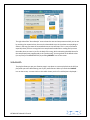
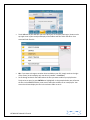
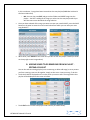
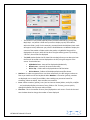
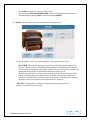
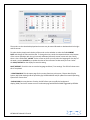
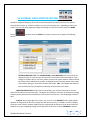
The following screen is now displayed showing you the different parameters that control the LEFT/LOWER voices:- For each LEFT/LOWER voice, you can do the following from this screen: Hold Start:- [Hold on Start]. When on, if a style is playing (and the HOLD button is on), this voice will be sustained (held) until the style is stopped. Hold Stop:- [Hold on Stop]. When on, if a style is not playing (stopped) or if you are just playing the keyboard normally and the HOLD button is on, this voice will be sustained (held). This is very useful especially if you have PAD/SYNTH or STRING voices on the LEFT side and you do not want a break between when you play/change chords on the left. In order to have a continuous voice, use this feature. To stop playing the voice, turn off the HOLD STOP on the appropriate LOWER voice or simply turn off the HOLD button. Hold Break:- The Lower voices are still heard when the style is quickly stopped using the Key Start/Key Stop feature. Sop Mute:- When on, the Left/LOWER voices are not heard during rapid breaks (when Key Start and Key stop are on and the left chord is played and release immediately or…. When only Key stop is on and same action is carried out. One the arranger is played normally, the voices are heard again. Mute:- This mutes the LEFT/LOWER voice as needed. KETRON SD7 Manual & Tutorial 19