1
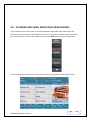
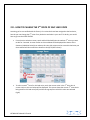
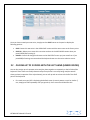
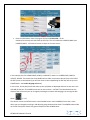
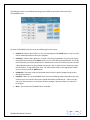
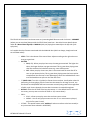
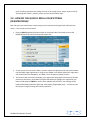
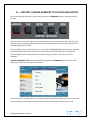
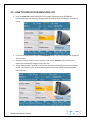
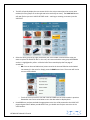
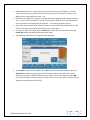
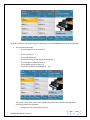
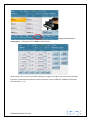
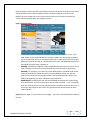
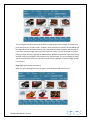
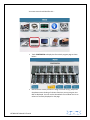
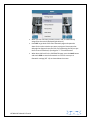
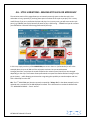
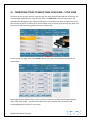
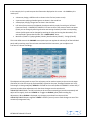
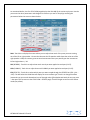
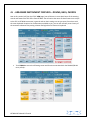
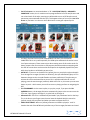
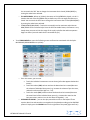
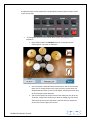
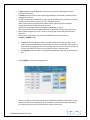
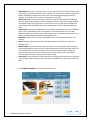
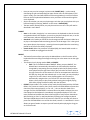
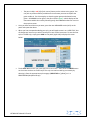
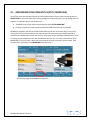
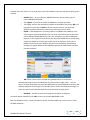
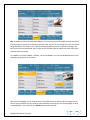
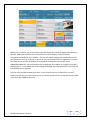
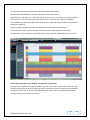
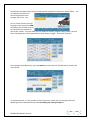
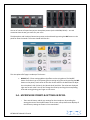
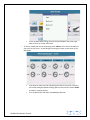
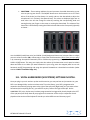
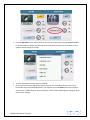
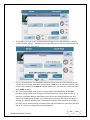
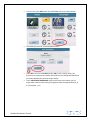
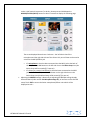
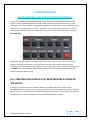
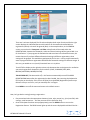
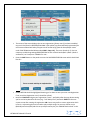
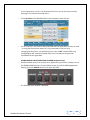
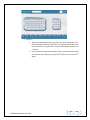
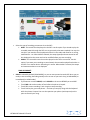
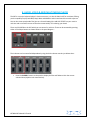
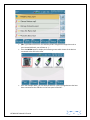
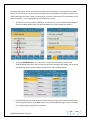
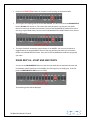
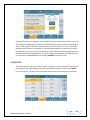
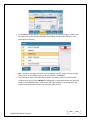
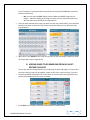
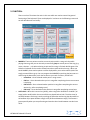
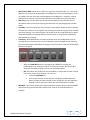
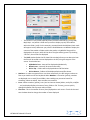
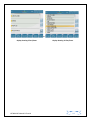
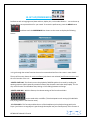
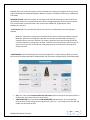
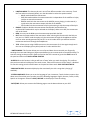
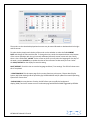
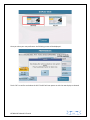
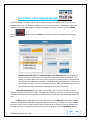
On the right side of the screen, touch GUITAR to access the Guitar Library of arpeggios and other orchestral guitar lines. The left side of the screen displays the arpeggios found in the GUITAR bank. You can turn the data wheel to reveal even more. Since they are named generically (Arp1, Arp2 …. Etc), it would be wise to press the red START button to start playing the style (play a chord so the full arranger is playing) and then as the style plays, test each of these to see which one you want to use. For clarity, you can touch the SOLO button (which will mute all the other arranger parts but CHORD 2 which you are now working with). o You can also take this a step further and change the instrument used to create the ARP (in this case the guitar). You may want to replace the STEEL guitar with another guitar or another instrument from another category such as Brass or Piano. To do this, simply touch the CHORD 2 (GUITAR) icon to display the current instrument and it’s source – o KETRON SD7 Manual & Tutorial 62