1
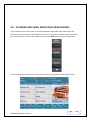
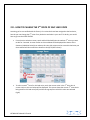
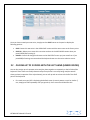
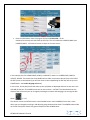
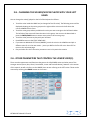
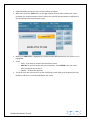
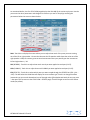
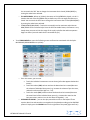
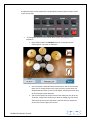
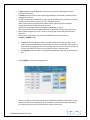
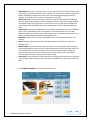
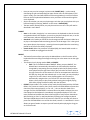
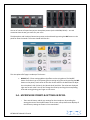
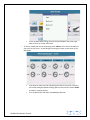
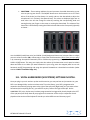
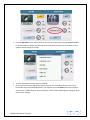
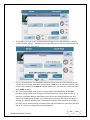
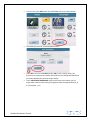
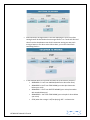
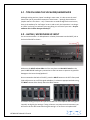
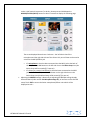
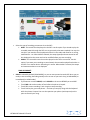
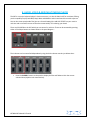
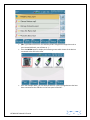
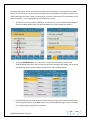
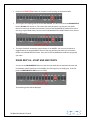
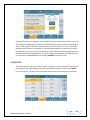
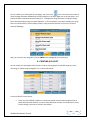
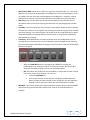
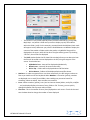
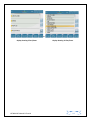
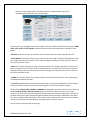
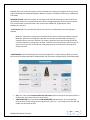
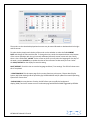
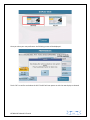
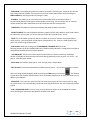
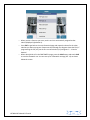
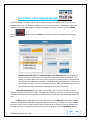
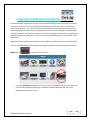
LINK/RUN MODE: This box may be set in one of four different modes in the same way. Touch the icon and once selected (yellow), turn the data wheel to select the option needed. o NONE mode disables the metronome. o FREE RUN mode enables the metronome and it is independent of the midifiles or Styles, just like an external metronome. o Midifile mode links the metronome to the Midifile you are playing. In other words, it synchronizes the metronome tempo with that of the Midifile. o STYLE mode links the metronome to Style synchronizing it with the tempo of the Style. ENABLE: Enables or disables the metronome sound (audio) and therefore has an ON and OFF mode which may be selected on the display. When set to OFF, the metronome will not be heard. BPM: You may use the BPM to set the metronome speed with the Dial. OUT: Sets the output mode of the metronome. After selecting this function with the Dial you may set it on "SOLO" mode that plays only the metronome through the headphones without music or other sounds generated by the SD 7 or on ALL mode where you will hear both the metronome and music through the headphones. TYPE : Allows you to assign 3 different tones to the metronome click. Here again simply touch the icon on the display (turns yellow) and set it’s value with the Dial. - KINETICS MODE: This function allows you to scroll up and down the screen with your fingers (by touching the screen and sliding your fingers up and down just as on most touch screen phones today). To save this setting (so that you don’t repeat it next time the SD7 is turned on), press the SAVE button on the panel and then touch SAVE CUSTOM STARTUP. - BUZZER: When this function is ON you will hear a "beep" when you touch the display. This confirms that you have touched a valid part of the touch screen. When this function is Off the "beep" is disabled. To save this setting press the SAVE button on the panel and then touch SAVE CUSTOM STARTUP. - SHOW AUTO LYRIC: Automatically displays the associated lyrics with a song that is playing (if available). - SYSTEM LANGUAGE: Allows you to set the language of your instrument. Touch the box to open a drop down menu from which you may select one of the following languages: English, German, French, Italian, Spanish or Portuguese. Select the SAVE/ RESTART on the display to save this setting. - DATE/TIME: Allows you to access the following page to set the date and time on your SD7: KETRON SD7 Manual & Tutorial 127