1
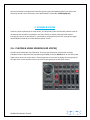
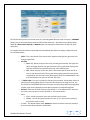
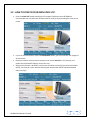
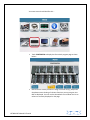
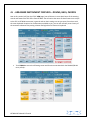
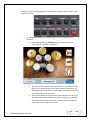
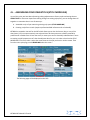
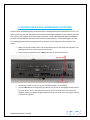
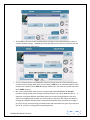
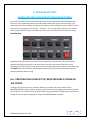
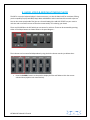
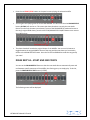
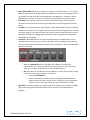
To assign a new split point on the keyboard, press and hold down the SPLIT button on the panel (right
side)
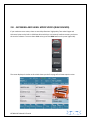
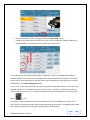
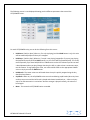
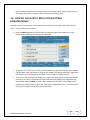
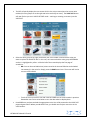
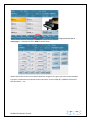
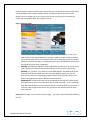
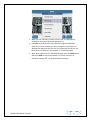
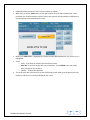
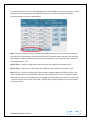
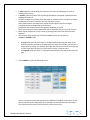
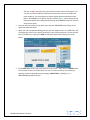
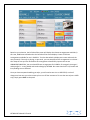
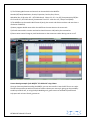
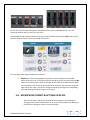
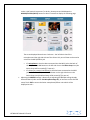
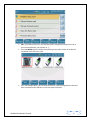
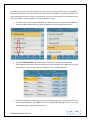
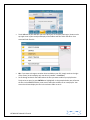
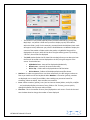
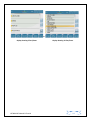
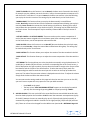
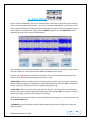
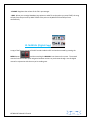
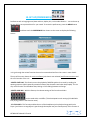
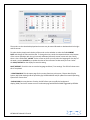
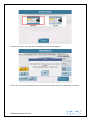
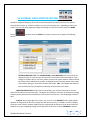
The current split point will be displayed on the screen (right side) as shown below:-
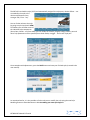
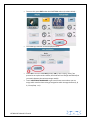
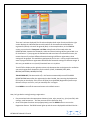
You can then assign a new SPLIT point while holding down the SPLIT button by pressing the key on the
keybed where you want the split point to be. So if you want the split point to be at F#2, as you hold
down the SPLIT button, press the F#2 key and this will become the new split point (and it will be
displayed on the screen – right section where the split value is currently being displayed). Release the
SPLIT button once set as needed. If you don’t want a SPLIT point (while holding down the SPLIT button),
you can also press the first key to the left of the keyboard (C) and the entire keyboard will now be the
lead/right voice.
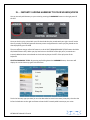
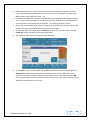
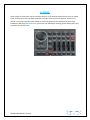
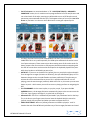
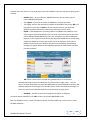
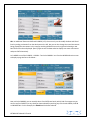
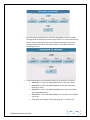
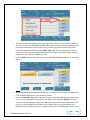
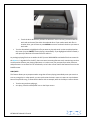
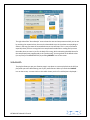
The proper way however to ignore the split point would be to press the PIANIST button (left side of
panel).
This button automatically removes the SPLIT point and the entire keyboard becomes one … (PIANIST
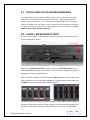
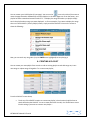
MODE) - with one voice/voices, governed by the RIGHT/Lead voice selection. In this mode (PIANIST),
you can then select a voice or voices and play through the entire keyboard – just as you would do on a
regular keyboard. In the PIANIST mode, a musician can also play the arranger as a regular piano and still
KETRON SD7 Manual & Tutorial
5