1
6.3
PLUG-IN FOR SOFTWARE UPDATE
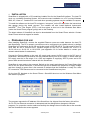
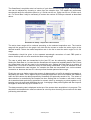
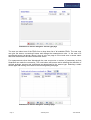
The embedded Linux versions of SmartScan can be updated using the Update plug-in. If
the SmartScan is connected to a LAN that is accessible via the Internet then this makes
remote upgrades possible without having to visit the site where the instrument is located.
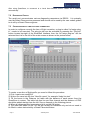
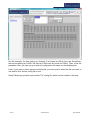
Select a Smart Fibres provided update file and press the “Update” button. You will then be
prompted to reboot the SmartScan. Press “Yes” to reboot. SmartSoft will disconnect and
reconnect when the SmartScan has finished rebooting.
Page 27
24th May 2013
3100-3008-B