1
2. Including the Aeon D/W Sensor into the
Z-Wave Network
The Aeon Labs D/W Sensor must first be included into an
existing Z-Wave network in order to function. After being
included to a Z-Wave network, the Aeon Labs D/W Sensor
will then be able to report it’s open/close state to gateway
automatically or control other Z-Wave devices such as lamps.
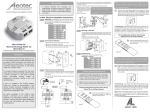
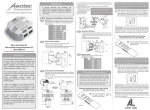
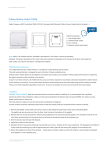
2.1 Press the button on the Aeon Labs Z-Stick to begin the
Z-Wave inclusion process.
OR
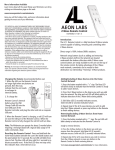
Press the button labeled “Include” on the Aeon Labs Minimote
to begin the Z-Wave inclusion process.
Note: To include the Aeon Labs D/W Sensor with other
controllers, please consult the operation manual for these
controllers on how to include Z-Wave products into an existing
network. For instructions on select partner gateways, visit
www.aeon-labs.com/support.
e
ov
em
R
e
n
ud
cl
In
Include
ar
Le
6
e
at
ci
so
As