1
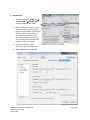
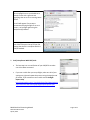
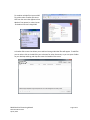
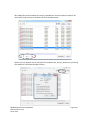
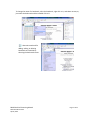
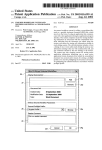
5. Optimize File: • To Optimize the PDF: Select File Save As Other… Optimize PDF. Another dialog box will appear… • Make sure that the settings on your computer match those in the PDF Optimizer screen below. The settings should remain the same after the first adjustment, but check them every time you do this process just to be sure because sometimes new updates will clear all settings. • Click OK to optimize. Larger documents may take longer to run. • After Optimization, save the file. MNHS Archival Processing Manual PDFA Procedures.docx April 8, 2014 Page 4 of 11