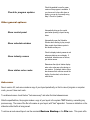
1
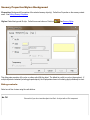
Scenery Properties/Styles: Text
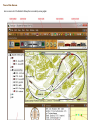
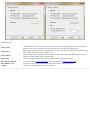
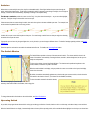
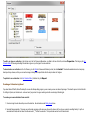
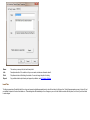
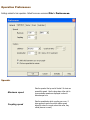
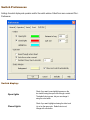
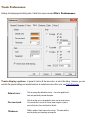
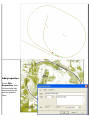
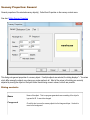
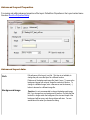
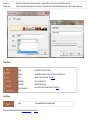
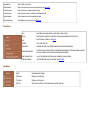
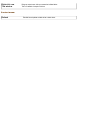
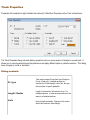
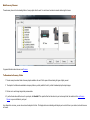
Properties: Text properties of the selected scenery object(s). Called from Properties on the scenery context menu.
See Editing Scenery Properties.
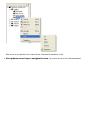
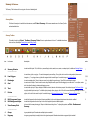
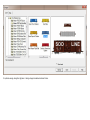
Styles: Default text style. Called from arrow button on Text tool
See Scenery Styles.
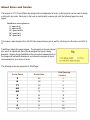
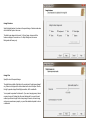
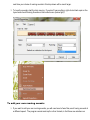
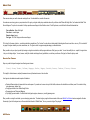
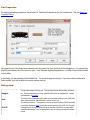
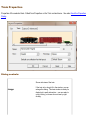
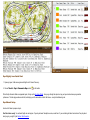
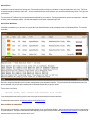
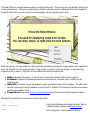
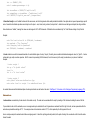
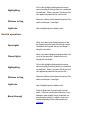
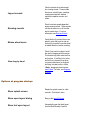
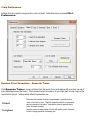
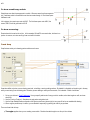
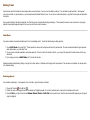
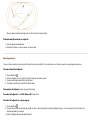
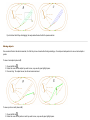
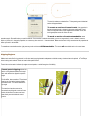
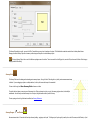
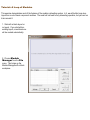
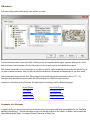
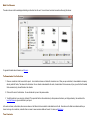
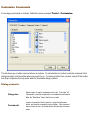
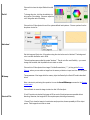
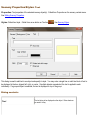
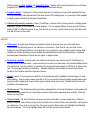
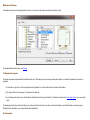
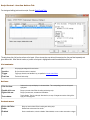
This dialog is used to add text to an object and specify its style. You may enter a single line or multi-line block of text to
be displayed in the box, aligned left, right, or center. If multiple objects are selected, the text is applied to each
individually. If a grouped object is selected, the text is displayed on top of the group.
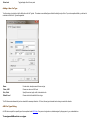
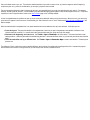
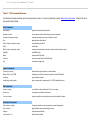
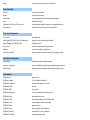
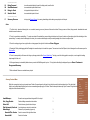
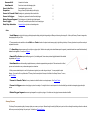
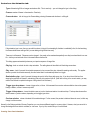
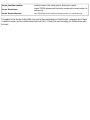
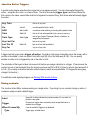
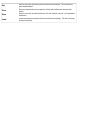
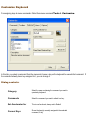
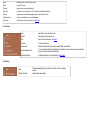
Dialog controls:
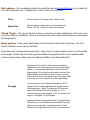
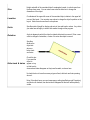
Text
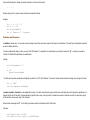
The text string to be displayed on the object. Enter whatever
you want it to say.