1
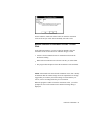
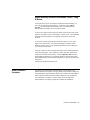
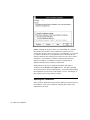
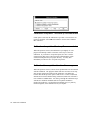
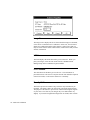
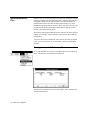
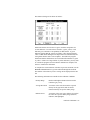
The status dialog will indicate which orientation circle to select by color.
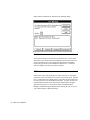
For example, to select the cyan orientation circle, move the mouse cursor
over the scan file image window, point it at the cyan orientation circle and
press the left mouse button. After a small delay, in which the program is
performing some image analysis, a solid white box will be drawn around
the orientation circle. The status box will indicate that you should then
select the next orientation circle, in this case, magenta.
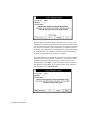
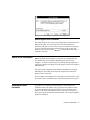
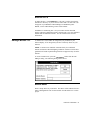
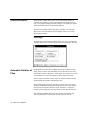
The program will lead you through the selection of each of the orientation
circles until all have been selected. At this time, you will again be asked
to confirm the proper selection of the circles. If the circles have been
selected properly, select Done. If you wish to abort the scan evaluation
and calibration, press Cancel. If you wish to edit any of the orientation
circle selections, select Adjust Previous.
42 - FullCircle Calibration