1
GradePoint 2020 Installation and User Guide
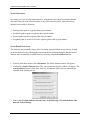
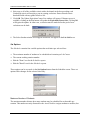
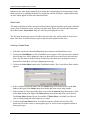
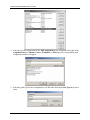
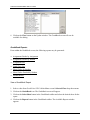
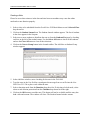
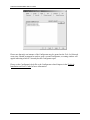
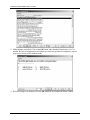
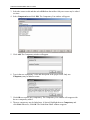
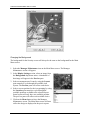
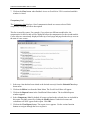
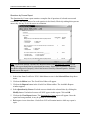
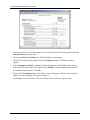
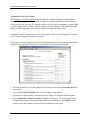
5. Click on the View Reports button. The Report viewer appears after the report is compiled.
Use the various function buttons to navigate through and to print the report.
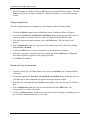
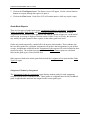
6. Click on the Close button when finished. There is no access to GradePoint 2020 until this
window is closed.
Detailed Workbook Grades by Student
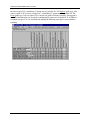
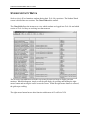
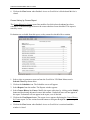
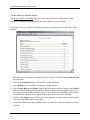
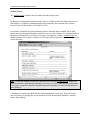
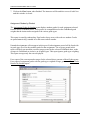
The Workbook Grades by Student (show all) report lists students' progress on the workbook
portion of Tech-Lab courses. Instructors can use this report to check which parts of the workbook
sections students have completed. Instructors may see the impact that instructor observation via
rubrics has on grades. An instructor may also see which exercises in Tech-Lab a student needs to
complete. Scores for each activity are listed, along with the student’s overall workbook grade for
that course.
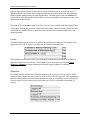
This report is sorted by student. Student names are conveniently displayed at the top of each
page. Page breaks always occur at the start of a new student listing.
Workbook grades are posted numerically, rounded off to the nearest whole number. Those
students who have not finished a particular activity will be marked as "no data." Unlike the
shorter version of this report, even students who have not yet begun a "workbook" in Tech-Lab
will appear in this report.
User-defined courses and evaluations have no workbook activities and therefore will not appear
in this report, even if selected.
133