1
GradePoint 2020 Installation and User Guide
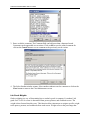
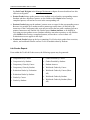
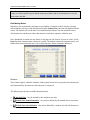
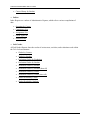
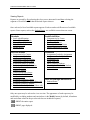
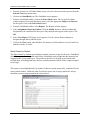
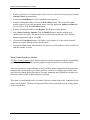
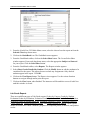
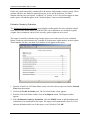
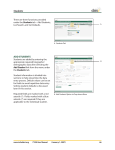
The following functions can be performed from the GradeBook toolbar:
•
Generate GradeBook reports.
•
Create and select sheets to review and edit.
•
Create and edit Grade Types for each sheet.
•
Create assignments.
•
Edit and sort assignments.
•
Import Lab Grades.
•
Delete Sheets.
All sheets within GradeBook are available only on the GradePoint 2020 they were created on.
Sheet Grids
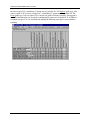
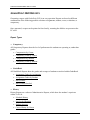
The bulk of the GradeBook screen consists of a sheet grid, which is a scrollable table of students
down the vertical axis and class assignments across the horizontal axis. Grades are entered
manually and automatically in the corresponding cells.
The appearance of the grid can be adjusted by changing the font by way of the Manager
Maintenance screen and by sorting the order of assignments.
Student Names
Only students within the previously selected class will be shown on this grid. Students may only
be added and removed from the class via the Class Maintenance screen.
Assignments
An assignment may be a course, an evaluation, a class assigned report, or even class
participation. Only assignments assigned to this class for the selected subject interval appear on
this sheet. Only assignments with a grade entered contribute to the student's average for this
sheet by averaging within its grade type. That grade type average is then applied to the overall
average for that sheet.
38