1
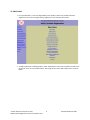
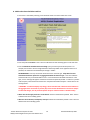
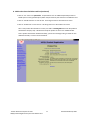
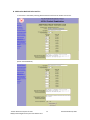
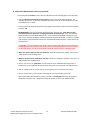
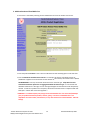
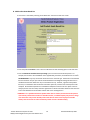
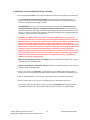
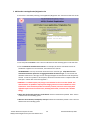
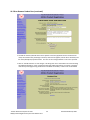
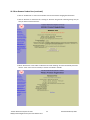
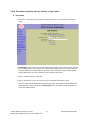
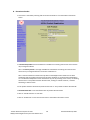
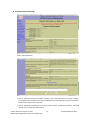
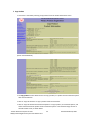
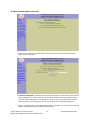
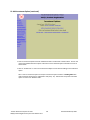
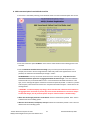
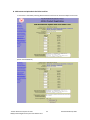
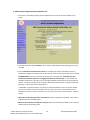
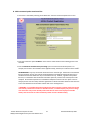
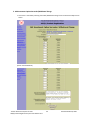
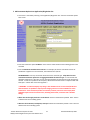
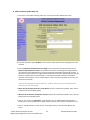
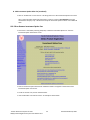
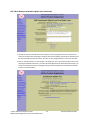
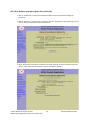
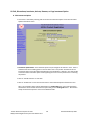
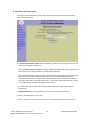
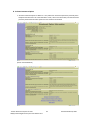
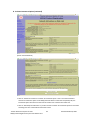
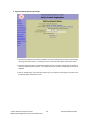
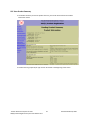
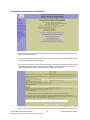
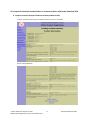
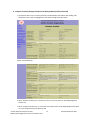
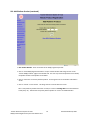
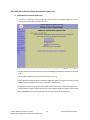
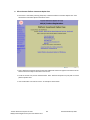
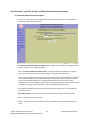
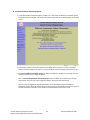
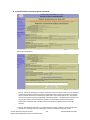
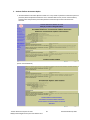
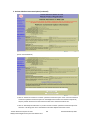
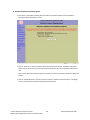
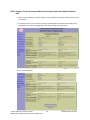
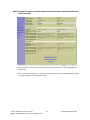
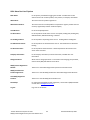
B. Add Investment Option Back‐End Sales Load Fee (continued) • Enter the investment option Fee Name. Note: There is an 80‐character limit including spaces in this text field. • Enter the Maximum Annualized Fee Percentage‐you must round to three decimal places. For example, this fee has a 2% rate that is applied if the investment option is sold at anytime during the first 90 days after purchase; the maximum fee is 2.000%. • Enter the Back‐End charge showing the fee that applies at sale based on the time period the product has been held. FEE MAXIMUMS: Fees may not exceed maximums for the same fee type. All product fees and associated investment option fees are aggregated within the same fee type. Front‐end and back‐
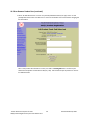
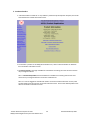
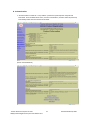
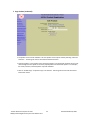
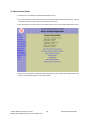
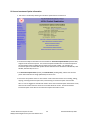
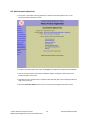
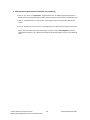
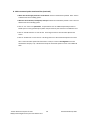
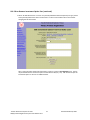
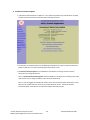
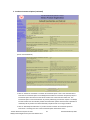
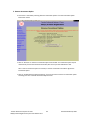
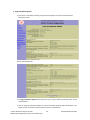
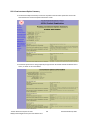
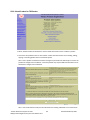
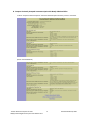
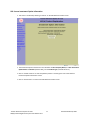
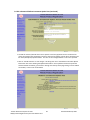
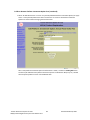
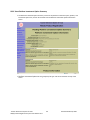
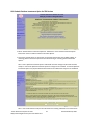
end sales loads may not exceed 6.000% in total. If a fee exceeds the allowable maximum for a fee type, an error message will appear and the fee will not be accepted by the PRS. In order for a product to be accepted, a fee amount will need to be in compliance with TRS RULE §53.3. Please refer to the warning below.* * WARNING: A certified company may charge a front‐end sales load or back‐end sales load that in the aggregate does not exceed six percent (6%) of the amount identified in the contract as subject to sales load charges, such as premiums paid or the price of the fund shares. TRS Rule 53.3(c). • When does the fee apply and how is it calculated? Please be as detailed as possible. Note: There is a 300‐character limit including spaces. • What are the fee waivers, breakpoints, and caps? Please be as detailed as possible. Note: There is a 300‐character limit including spaces. • Click on “Yes” if this is an optional fee. An optional fee is for an additional optional provision or benefit (such as a living benefit option) which may be chosen by the customer at an additional cost. • Click on “Save & Continue” to save this fee. This brings the user to the Investment Option Fees screen. • Click on “Do Not Save” to clear entries. This brings the user to the Investment Option Fees screen. Note: Once investment option fee information is saved, it is held in a Pending Add status until submitted to TRS (see p. 70). TRS will then accept the investment option or return it for additional edits. Teacher Retirement System of Texas Revised October 30, 2009 44
403(b) Product Registration System User Manual v3.0