1
4.3.4
PTZ Control
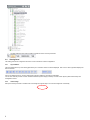
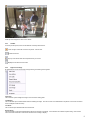
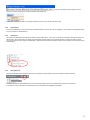
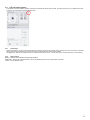
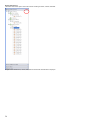
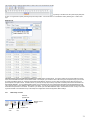
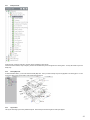
You can control a PTZ camera by expanding the Pan Tilt Zoom Option at the bottom of the left navigation tree.
4.4
Viewing Panel
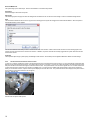
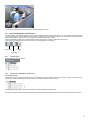
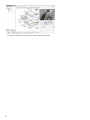
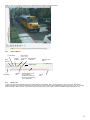
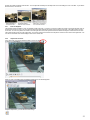
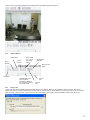
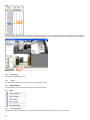
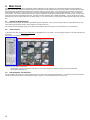
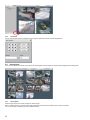
Once you have selected the cameras or layouts from the left navigation tree, the images from those cameras will appear in the Viewing Pane
4.4.1
Layout Option
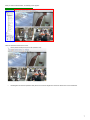
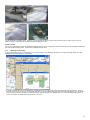
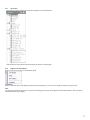
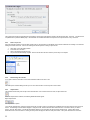
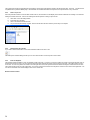
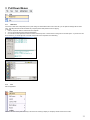
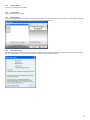
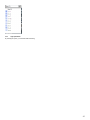
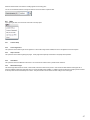
Select the type of layout to be used in viewing the camera images.
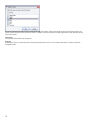
Best fit – takes the number of cameras to be viewed and determines which layout is the best fit for the number of cameras.
Or you have the option of selecting one of the predefined layouts.
42