1
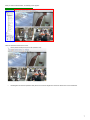
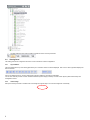
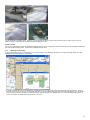
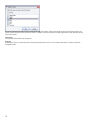
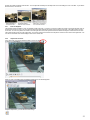
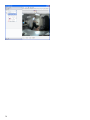
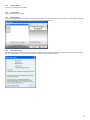
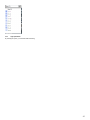
You can then select the users that you want to receive the live view of this camera. Please note that if the user does not have viewing rights to this
camera, they will not receive the live view from the camera. In addition, only those users that are currently logged into the system will receive the live
view from the camera.
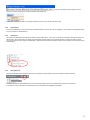
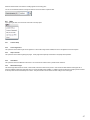
View Camera
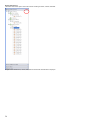
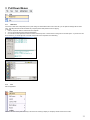
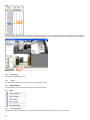
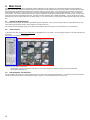
This option places this camera in the viewing pane.
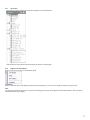
Properties
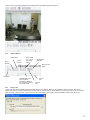
By selecting this option, you will be taken to the corresponding camera setup screens. For more detail on camera setup, consult your Setup and
Configuration Guide.
18