1
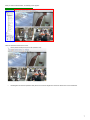
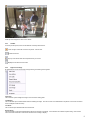
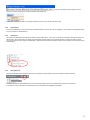
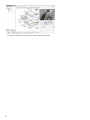
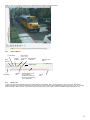
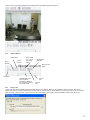
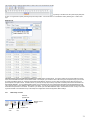
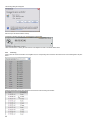
When you click on a recording, a playback screen will appear with the playback options shown below.
2.6.2
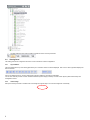
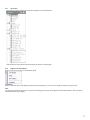
Playback Buttons
1 Frame Back
Play in
Reverse
1 Frame
Forward
Play Forward
2, 4, 8, 16 or
32x normal
speed
Download the
Entire File
Date and Time
Stamp
Play& Stop
Slide bar allows you to
move forward or
backward by clicking on
the cross bar and moving
it from side to side.
2.6.3
Create
Clip
Saving a
Clip
Saving a Clip
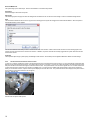
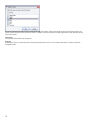
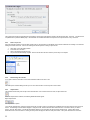
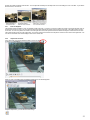
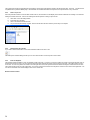
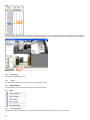
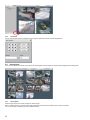
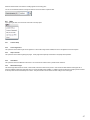
To save a clip, open the recorded file and press the Pause button to stop playback. Notice the “clip indicators” under the scroll bar. Drag the left
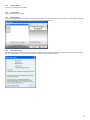
indicator to the start of the clip and drag the right to the end of the clip. Once in position, click the diskette icon to bring up the clip menu. You can save
the file to a folder or directly to a CD. If you save to a CD, the system will give you the option of include a Standalone Video Player with the clip.
27