1
16
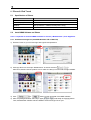
5.2.2. Direct installation to iPhone
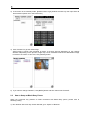
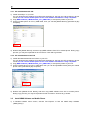
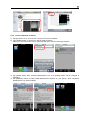
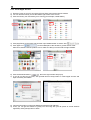
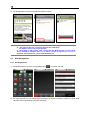
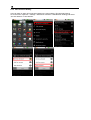
1) Tap App Store icon on your iPhone or iPod to execute the software.
2) Input “MobileViewer” in search box and tap [Search] button.
After found, tap the product icon to make sure that you have found the right software.
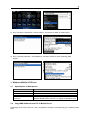
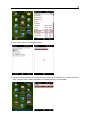
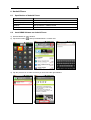
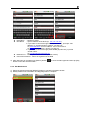
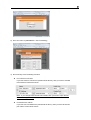
3) Tap [FREE] button after selecting MobileViewer icon, then [FREE] button will be changed to
[INSTALL].
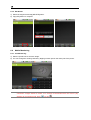
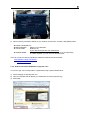
4) Tap [INSTALL] button to finally install MobileViewer software on your iPhone. After completed,
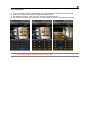
MobileViewer icon will be enabled.