1
Step 1: Invoke PreciseView
Interactive Fix-Up with PreciseView
Step 1: Invoke PreciseView
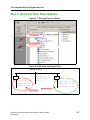
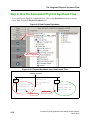
Once Place and Route is completed, and the placement files are loaded, the PreciseView bottom
pallet becomes available. Placement files are automatically loaded when Place and Route is run
within the Precision tool. If Place and Route is run in the standalone vendor tool, it is necessary
to load the data manually. These files include:
1. The Precision RTL-generated XDB file. (Or a synthesis-generated EDF and SDC file.)
2. The ISE-generated NCD file.
3. The pass ISE-generated DLY file.
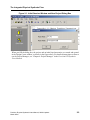
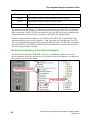
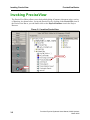
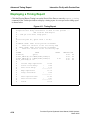
The PreciseView button (ShowPicture) brings up PreciseView, which allows interactive editing
of the physical implementation of your design.
4-2
Precision Physical Synthesis Users Manual, 2003c Update1
March 2004