1
rvsXP User Manual
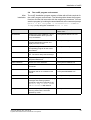
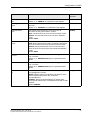
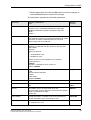
-s <SID>
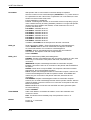
The ID of the station to which the key will be sent
(repeatable)
-l <FILE>
The file containing a list of station IDs
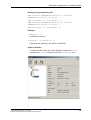
Example
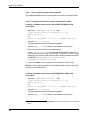
rvskeydst –f C:\rvs\keycreate\C45PUB.pub –s r11 –
s a34 –s gedas
rvskeydst –f C:\rvs\keycreate\C45PUB.pub –l
C:\rvs\list\sendlist1.lst
8.6
Deleting imported keys (rvskeydel)
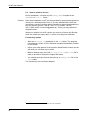
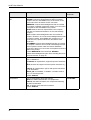
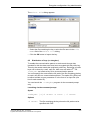
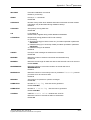
The rvskeydel tool deletes keys that previously were imported into the
rvsXP database. It deletes the key from the database and the respective
key file in the key folder. The -l option creates a list containing the
delete statements for all keys in the database. The output comprises two
lines for each key, one with all key data, one with the appropriate delete
statement.
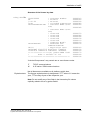
To use this list for deleting keys you must pipe the output into a file. All
delete statement lines have been commented out with REM at the line
start.
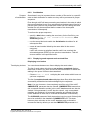
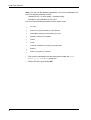
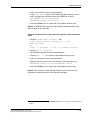
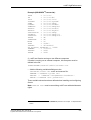
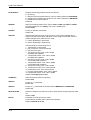
• Start rvskeydel at the command prompt and the –l parameter to
pipe the output into a file. Example:
C:\rvs\system\rvskeydel.exe -l DelFile.txt
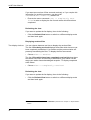
• Remove the comment indicator (REM) from those keys you wish to
delete.
• Assign the file executable rights.
• Start the file from the command prompt:
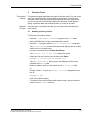
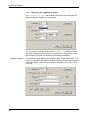
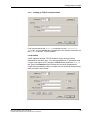
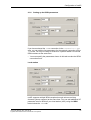
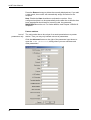
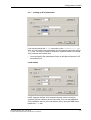
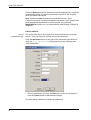
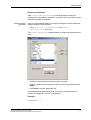
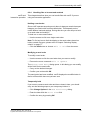
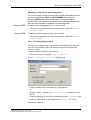
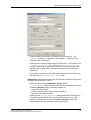
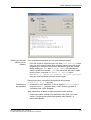
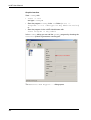
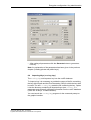
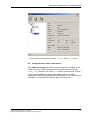
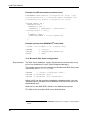
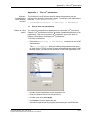
You can launch the rvskeydel tool via the command prompt or the
graphic interface.
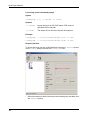
Launching via the command prompt
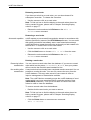
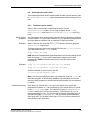
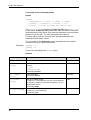
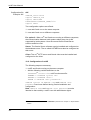
Syntax
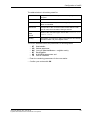
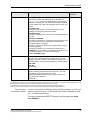
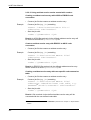
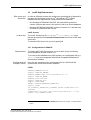
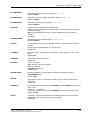
rvskeydel [-?ldur]
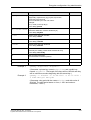
Options
108
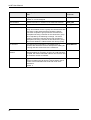
-l
Generate a list of all key entries
-d KEYID
Delete key with the ID KEYID
-u
Remove the public key
-r
Remove the private key