1
rvsXP User Manual
Stopping from the
rvsXP environment
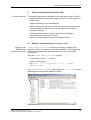
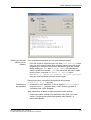
Carry out the following steps if you want to stop rvsXP Monitor from
within the rvsXP program environment while it is in operation:
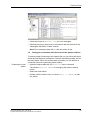
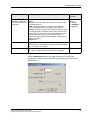
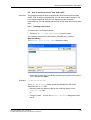
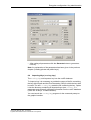
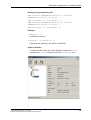
• Start the rvsXP Administrator program in the rvs folder.
• Execute the menu command Monitor -> Stop.
or
• Launch the das Stop rvs Monitor program in the rvs folder.
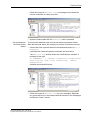
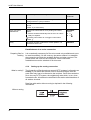
rvsXP Monitor stops. It has been stopped if the stop symbol is not
active on the tool bar.
5.3
What can be
customized?
Customizing rvsXP Monitor parameters
The Monitor parameters determine the operational mode of the rvsXP
Monitor, the main component of the rvsXP system. By customizing the
Monitor parameters you can modify the rvsXP Monitor in accordance with
your system environment and your own requirements. You should
customize the Monitor parameters in order to
– minimize the load on your system and in order to enhance the
performance (parameters OCREVAL, OEXBUF, RECVBLOCKS and
SENDBLOCKS; for more information please see the Appendix "The
rvs® parameters".
– control the Monitor Log Book display
– make optimal use of data line quality
– monitor communication processes with other stations
– manage the size and number of the log files.
The rvsXP database, which works as a central information source,
provides the rvsXP Monitor with all the information required for the tasks
to be executed.
When the rvsXP database is initialized the initialization program first
creates a parameter table for the Monitor parameters with default values
which determine the default behavior of rvsXP Monitor.
Start settings
62
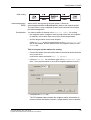
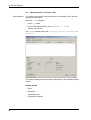
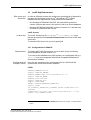
You can modify these values by editing the
C:\rvs\init\rdmini.dat file, which is the source for modification
of the parameter table in the rvsXP Monitor start phase. Changes will
only take effect when the Monitor is started again if you modify the file
while rvsXP Monitor is in operation. Dynamic modification of the monitor
parameters cannot be achieved in this way.