1
How to work interactively with rvsXP
6.3
Overview
How to send and receive files with rvsXP
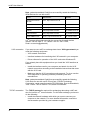
This chapter describes how to interactively send and receive files with
rvsXP. First, it will be explained how you can create send requests. The
next chapter describes how you can display sent and received
transmissions. The last chapter shows how to edit send and receive data
sets.
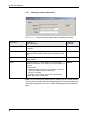
6.3.1
Creating send orders
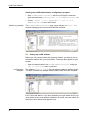
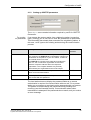
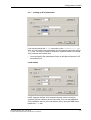
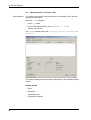
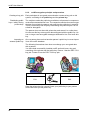
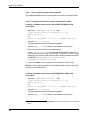
To send a file to a business partner:
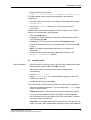
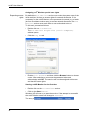
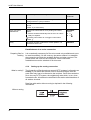
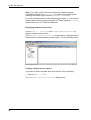
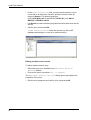
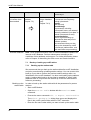
• Choose Edit -> New Send Entry from the menu.
You can also execute this command by using F2 or by clicking
New Send Entry.
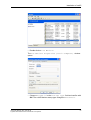
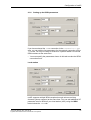
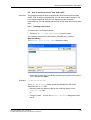
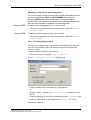
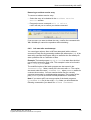
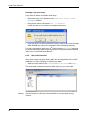
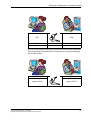
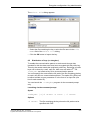
The Choose file to be sent dialog box opens.
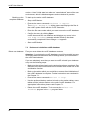
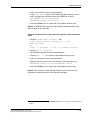
• Select the file which you would like to send to your partner and confirm
your selection with Open.
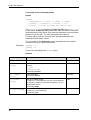
Example
C:\docs\notes.txt
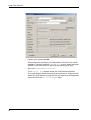
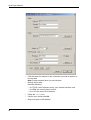
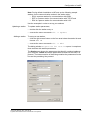
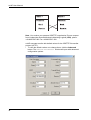
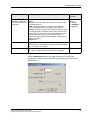
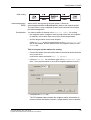
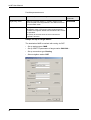
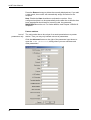
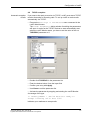
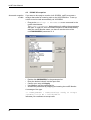
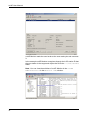
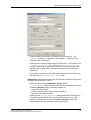
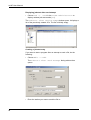
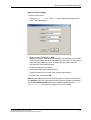
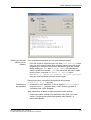
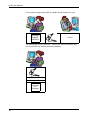
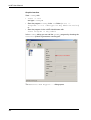
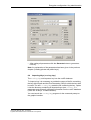
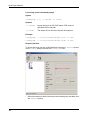
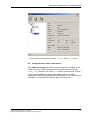
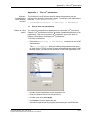
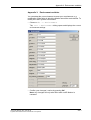
The New Send Entry dialog opens and displays the file name
selected in the File field.
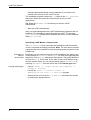
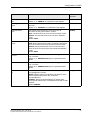
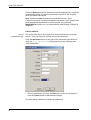
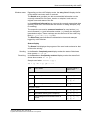
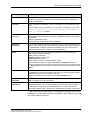
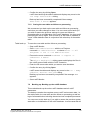
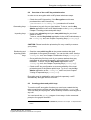
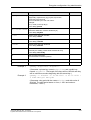
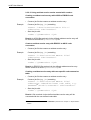
• Manually enter the station code for the receiving station in the
Station ID field.
or:
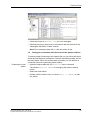
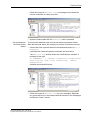
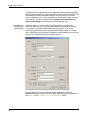
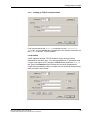
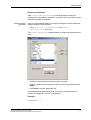
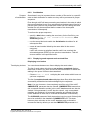
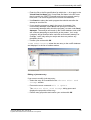
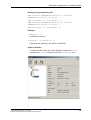
• Choose Select... to open the Select Station dialog and select
the ID.
rvsXP User Manual / Rev. 2004-05-28
© gedas deutschland GmbH / Fachbereich rvs® Systems
69