1
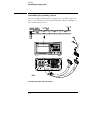
Calibrating the oscilloscope
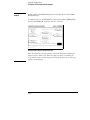
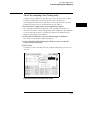
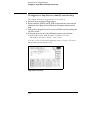
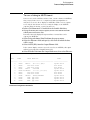
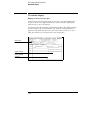
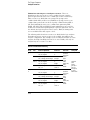
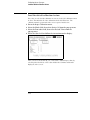
Load the default calibration factors
Load the default calibration factors
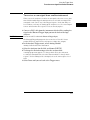
Note that once the default calibration factors are loaded, all calibrations must
be done. This includes all of the calibrations in the Self Cal menu. The
calibration must be performed in the exact sequence listed below.
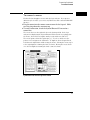
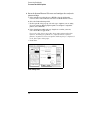
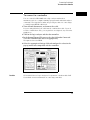
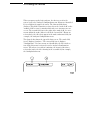
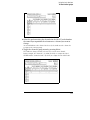
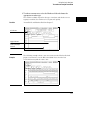
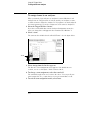
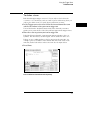
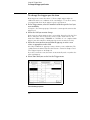
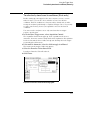
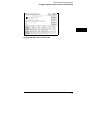
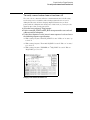
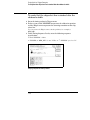
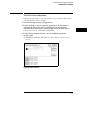
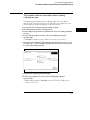
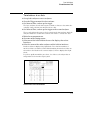
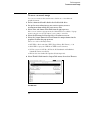
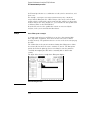
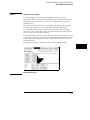
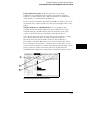
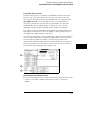
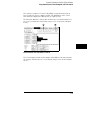
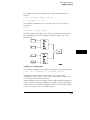
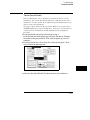
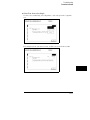
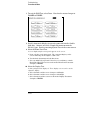
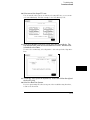
1 Go to the Scope Calibration menu.
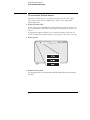
2 Select the Mode field, then select Service Cal from the pop-up menu.
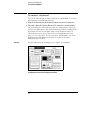
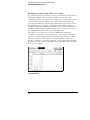
3 Select the Procedure field, then select Default Values from the
pop-up menu.
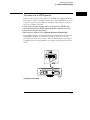
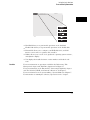
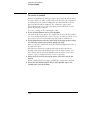
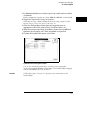
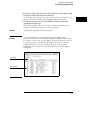
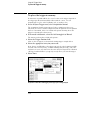
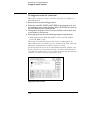
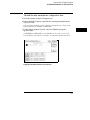
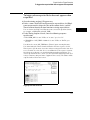
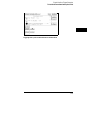
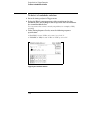
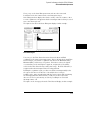
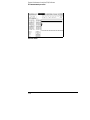
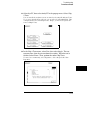
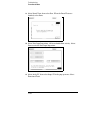
4 Select the Start field and follow the instructions on the display.
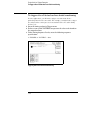
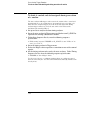
After you select the Start field, you can abort the calibration procedure by
selecting either the Mode or Procedure fields if the Continue field is still
displayed on the screen.
12-8