1
Preparing For Use
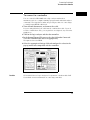
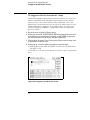
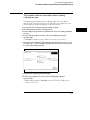
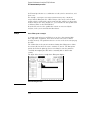
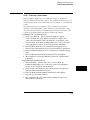
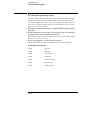
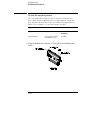
To inspect the logic analyzer
To inspect the logic analyzer
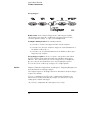
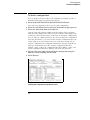
1 Inspect the shipping container for damage.
If the shipping container or cushioning material is damaged, keep them until
you have checked the contents of the shipment and checked the instrument
mechanically and electrically.
2 Check the supplied accessories.
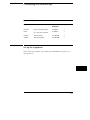
Accessories supplied with the logic analyzer are listed in "Accessories" in
chapter 11.
3 Inspect the product for physical damage.
Check the logic analyzer and the supplied accessories for obvious physical or
mechanical defects. If you find any defects, contact your nearest
Hewlett-Packard Sales Office. Arrangements for repair or replacement are
made, at Hewlett-Packard’s option, without waiting for a claim settlement.
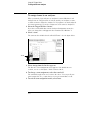
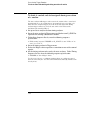
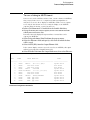
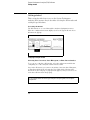
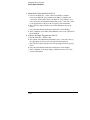
To apply power
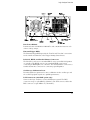
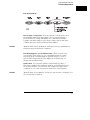
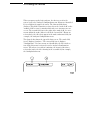
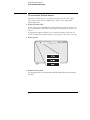
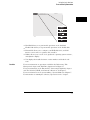
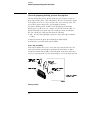
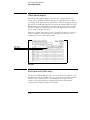
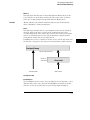
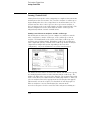
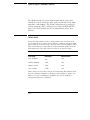
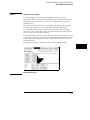
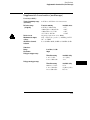
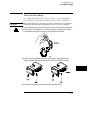
1 Check that the line voltage selector, located on the rear panel, is on
the correct setting and the correct fuse is installed.
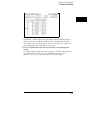
See also, "To set the line voltage" on the next page.
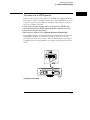
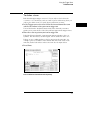
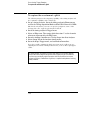
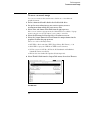
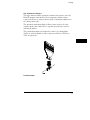
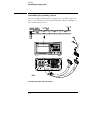
2 Connect the power cord to the instrument and to the power source.
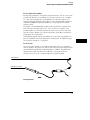
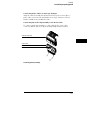
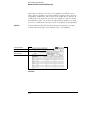
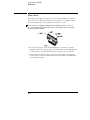
This instrument is equipped with a three-wire power cable. When connected
to an appropriate ac power outlet, this cable grounds the instrument cabinet.
The type of power cable plug shipped with the instrument depends on the
country of destination.
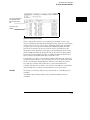
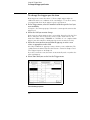
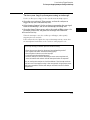
3 Turn on the instrument power switch located on the front panel.
12-4