1
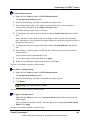
Using Context Menus
•
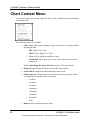
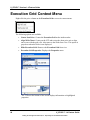
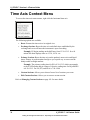
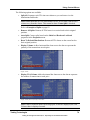
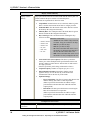
Price Axis: Removes the vertical price axis from the chart area when deselected. Selected by default.
•
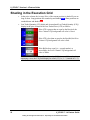
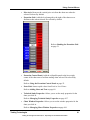
Execution Grid: Adds the 4-column grid to the right of the chart area to
facilitate trades when selected. De-selected by default.
Refer to Reading the Execution Grid
on page 51.
•
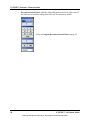
Execution Control Panel: Adds the collapsible panel to the lower right
corner of the chart area to facilitate trading when selected. De-selected by
default.
Refer to Using the Execution Control Panel on page 52.
•
Paste Link: Insets copied values from Excel as Level Lines.
Refer to Adding Lines and Text on page 89.
•
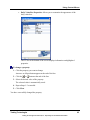
Technical Study Properties: Allows you to set the study properties for the
chart you click in.
Refer to Managing Technical Study Properties on page 107.
•
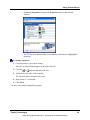
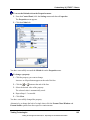
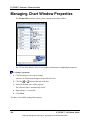
Chart Window Properties: Allows you to set the window properties for the
chart you click in.
Refer to Managing Chart Window Properties on page 106.
Trading Technologies
Trading Technologies International, Inc. Proprietary and Confidential Information
61