1
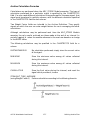
Text Insertion Using *INCLUDE
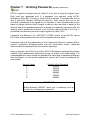
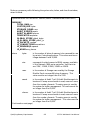
*INCLUDE allows you to construct a source (ACC) file using other source files.
These other files remain as separate independent files.
Once *INCLUDE is encountered, the entire file referenced is inserted. Task line
numbers in the separate file can be altered by specifying an offset value. Like
*DEFINE, this does not permanently change your source file or the included file.
Files named in *INCLUDE statements cannot themselves contain *INCLUDE
statements.
Syntax Rules For Using *Include
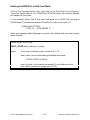
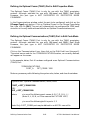
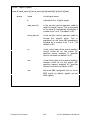
*INCLUDE filename [task-line-offset]
where:
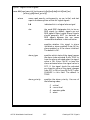
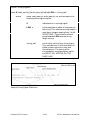
filename
is the full filename (including the extension) to be
inserted in the ACCOL source file.
[task-line-offset]
optionally specifies an increment to be added to
each task line number in filename as it is
inserted in the ACCOL source file. The default
task-line offset is 0, i.e. the task line numbers in
filename are used as is.
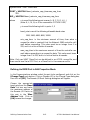
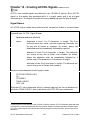
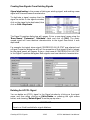
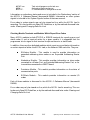
Creating An External Text File Using ACCOL Workbench’s ASCII Text Editor
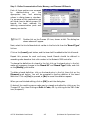
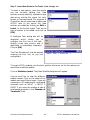
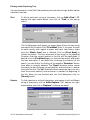
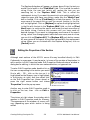
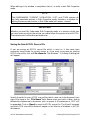
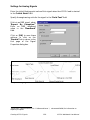
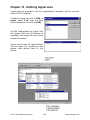
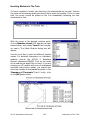
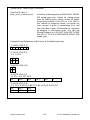
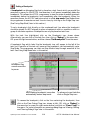
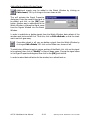
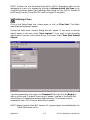
It is possible to create an
external text file by clicking
on File New Text File.
(This option is only available
when you are not currently
editing an ACCOL task.)
Å
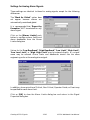
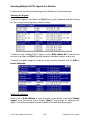
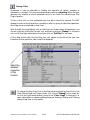
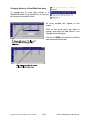
Choose a name for the text
file and click on the [Save]
push button. NOTE: We
recommend you use a file
extension of TXT.1
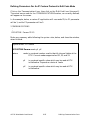
1 If you use a file extension of .ACC, when you open the file in ACCOL Workbench, it will attempt to
generate an entire ACC file with all required sections for it. This is a problem if you are not trying to
create an entire ACC file, but simply a small part to be inserted in an existing ACC file. For this reason,
we recommend you use .TXT, unless you are creating an all new ACC file from scratch.
Appendix F
F-4
ACCOL Workbench User Manual