1
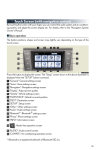
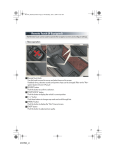
■ Screen scroll operation
To scroll over the map, place the pointer in a position near the desired destination and then press
and hold the Remote Touch knob.
1 Indicates the street name, town name, etc. for
2
3
4
5
6
the selected point
Displays various information for the selected
point
Indicates the distance from the current position to the pointer
Switches the map configurations
Zooms in on the map
Zooms out on the map
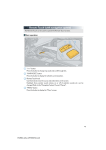
■ Setting a route
While route guidance is operating, you can change the route using the following method.
Select “Route”.
The following settings can be accessed
1
2
3
4
43
Detour setting
Route preferences
Route overview
Pause and resume route guidance