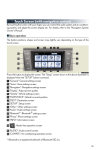
Navigation System (If Equipped)
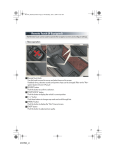
■ Register home
45
STEP 1
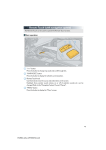
Press the “MENU” button on the Remote
Touch.
Please refer to P.41 for the Remote Touch
operation.
STEP 2
Select “Setup”.
STEP 3
Select “Navigation.”.
STEP 4
Select “Home”.
Select “Set Home”.
Select “Address”.