1
Oxygen XML Editor | Document Types (Frameworks) | 572
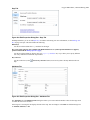
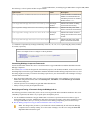
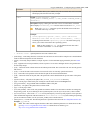
Insert Row Above
Inserts a new table row with empty cells above the current row. This action is available when the cursor is
positioned inside a table.
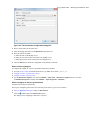
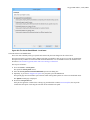
Insert Rows
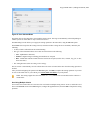
Opens a dialog box that allows you to insert any number of rows and specify the position where they will be
inserted (Above or Below the current row).
Insert Column Before
Inserts a column before the current one.
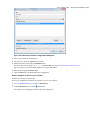
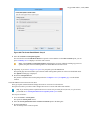
Insert Columns
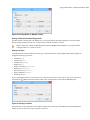
Opens a dialog box that allows you to insert any number of columns and specify the position where they will
be inserted (Above or Below the current column).
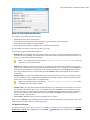
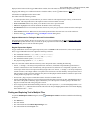
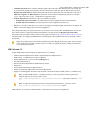
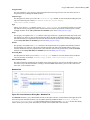
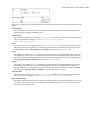
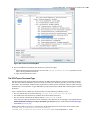
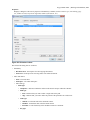
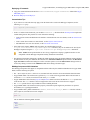
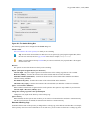
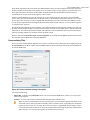
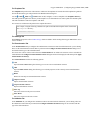
ID Options
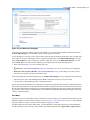
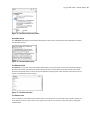
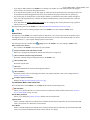
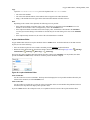
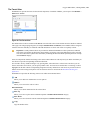
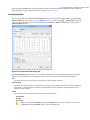
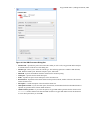
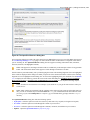
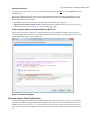
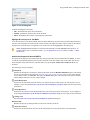
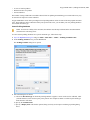
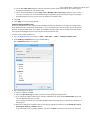
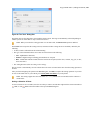
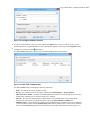
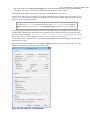
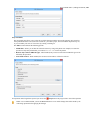
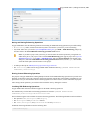
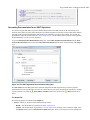
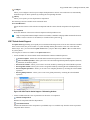
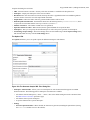
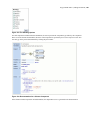
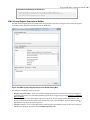
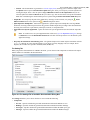
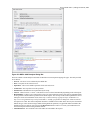
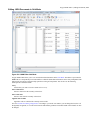
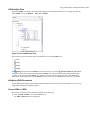
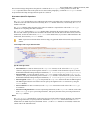
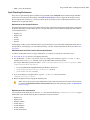
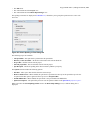
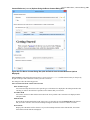
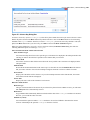
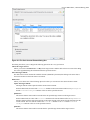
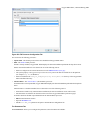
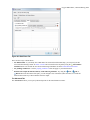
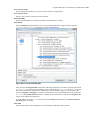
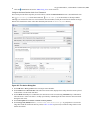
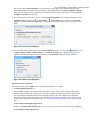
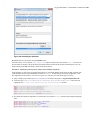
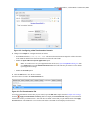
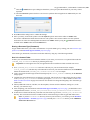
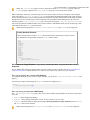
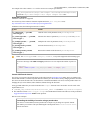
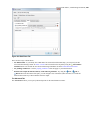
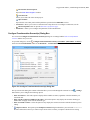
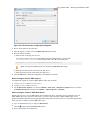
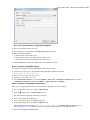
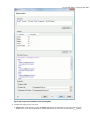
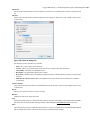
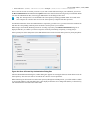
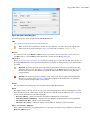
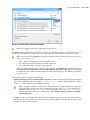
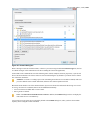
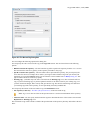
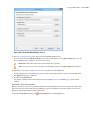
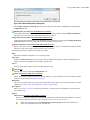
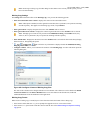
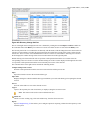
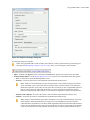
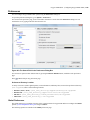
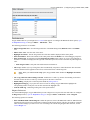
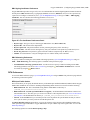
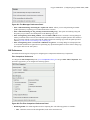
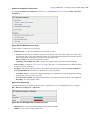
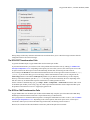
Opens the ID Options dialog box that allows you to configure options for generating IDs in Author mode. The
dialog box includes the following:
ID Pattern
The pattern for the ID values that will be generated. This text field can be customized using constant strings and
most of the supported Editor Variables on page 663.
Element name or class value to generate ID for
The elements for which ID values will be generated, specified using class attribute values. To customize the list,
use the Add, Edit, or Remove buttons.
Auto generate IDs for elements
If enabled, Oxygen XML Editor will automatically generate unique IDs for the elements listed in this dialog
box when they are created in Author mode.
Remove IDs when copying content in the same document
Allows you to control whether or not pasted elements that are listed in this dialog box should retain their existing
IDs when copying content in the same document. To retain the element IDs, disable this option.
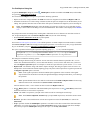
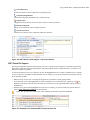
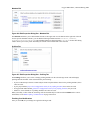
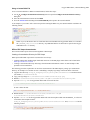
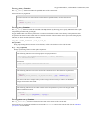
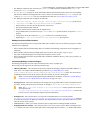
Generate IDs
Oxygen XML Editor generates unique IDs for the current element (or elements), depending on how the action is
invoked:
•
•
When invoked on a single selection, an ID is generated for the selected element at the cursor position.
When invoked on a block of selected content, IDs are generated for all top-level elements and elements from
the list in the ID Options dialog box that are found in the current selection.
Note: The Generate IDs action does not overwrite existing ID values. It only affects elements that do not
already have an id attribute.
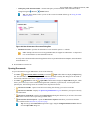
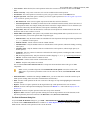
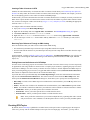
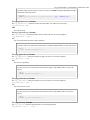
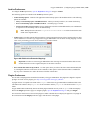
Refresh References
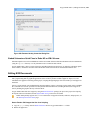
You can use this action to manually trigger a refresh and update of all referenced resources.
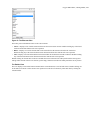
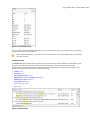
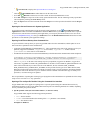
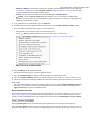
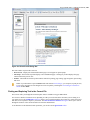
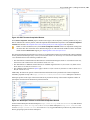
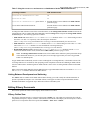
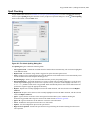
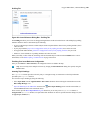
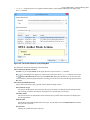
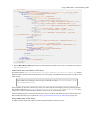
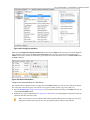
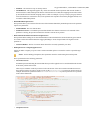
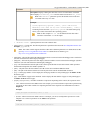
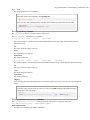
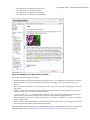
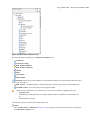
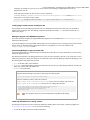
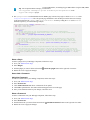
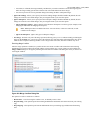
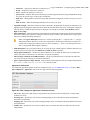
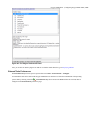
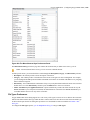
Tags display mode Submenu
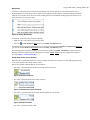
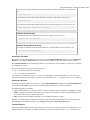
Full Tags with Attributes - Displays full tag names with attributes for both block level and in-line level elements.
Full Tags - Displays full tag names without attributes for both block level and in-line level elements.
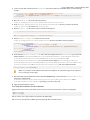
Block Tags - Displays full tag names for block level elements and simple tags without names for in-line level
elements.
Inline Tags - Displays full tag names for inline level elements, while block level elements are not displayed.
Partial Tags - Displays simple tags without names for in-line level elements, while block level elements are
not displayed.