1
Oxygen XML Editor | Working with Databases | 951
BaseX XQJ Data Source
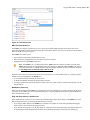
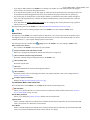
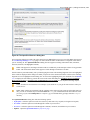
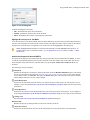
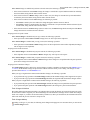
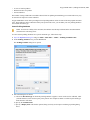
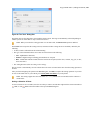
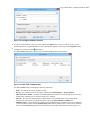
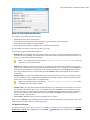
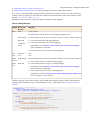
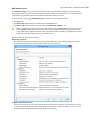
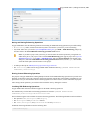
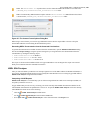
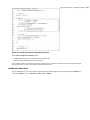
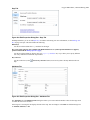
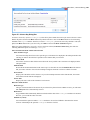
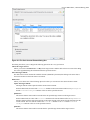
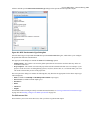
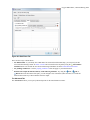
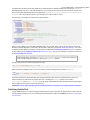
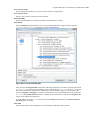
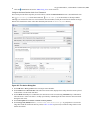
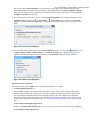
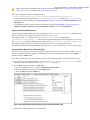
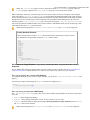
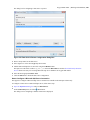
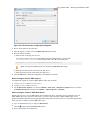
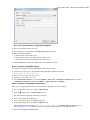
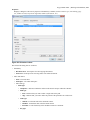
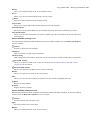
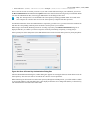
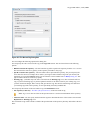
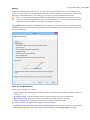
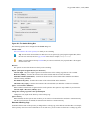
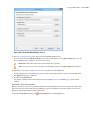
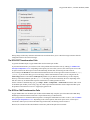
First of all, create an XQJ data source as described in How to Configure an XQJ Data Source on page 870. The BaseX
XQJ API-specific files that must be added in the configuration dialog box are xqj-api-1.0.jar, xqj2-0.1.0.jar
and basex-xqj-1.2.3.jar (the version names of the JAR file may differ). These libraries can be downloaded
from xqj.net/basex/basex-xqj-1.2.3.zip. As an alternative, you can also find the libraries in the BaseX
installation directory, in the lib sub-directory.
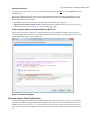
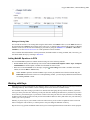
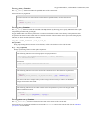
BaseX XQJ Connection
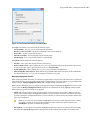
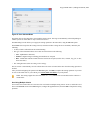
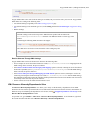
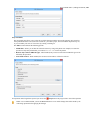
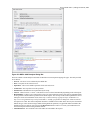
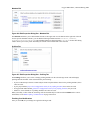
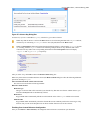
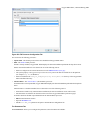
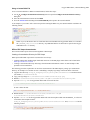
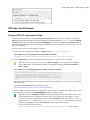
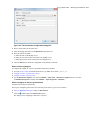
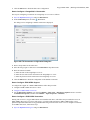
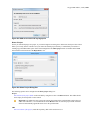
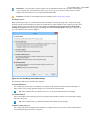
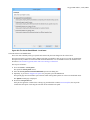
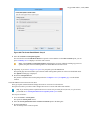
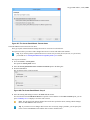
The next step is to create an XQJ connection as described in How to Configure an XQJ Connection on page 870.
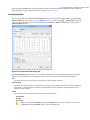
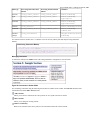
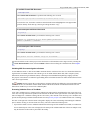
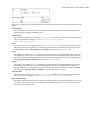
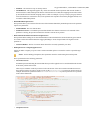
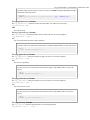
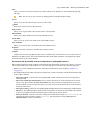
For a default BaseX configuration, the following connection details apply (you can modify them when necessary):
•
•
•
•
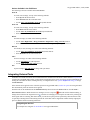
Port: 1984
serverName: localhost
user: admin
password: admin
XQuery Execution
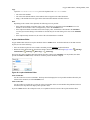
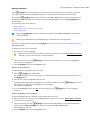
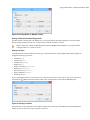
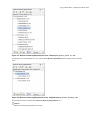
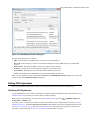
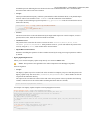
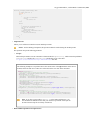
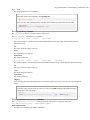
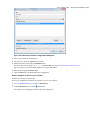
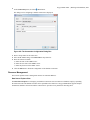
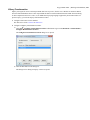
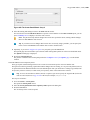
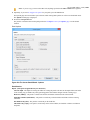
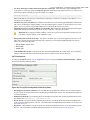
Now that the XQJ connection is configured, open the XQuery file you want to execute in Oxygen XML Editor and
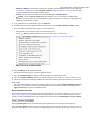
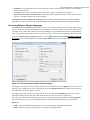
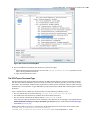
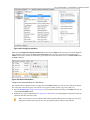
create a Transformation Scenario as described in XQuery Transformation on page 811. In the Transformer drop-down
menu, select the name of the XQJ connection you created. Apply the transformation scenario and the XQuery will be
executed.