1
LightFactory V2
A Guide for Users
LightFactory Remote
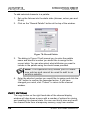
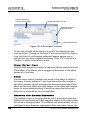
Using LF Remote
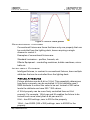
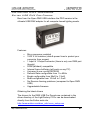
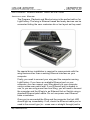
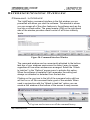
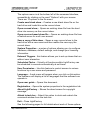
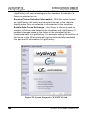
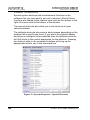
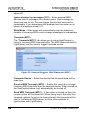
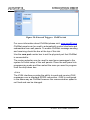
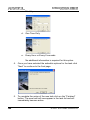
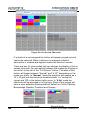
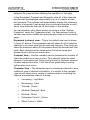
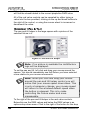
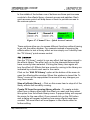
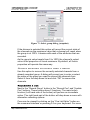
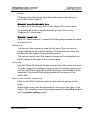
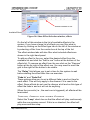
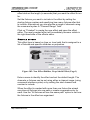
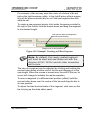
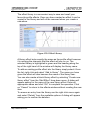
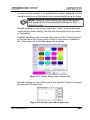
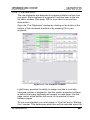
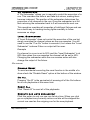
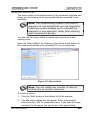
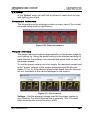
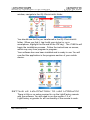
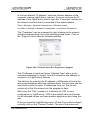
Figure 154: LightFactory Remote (Disconnected)
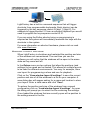
Make sure LightFactory is running and the Telnet interface is
enabled. When the software starts you will see a message
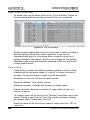
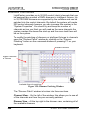
indicating that the Telnet interface is running. Click on the “Connect”
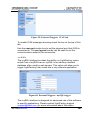
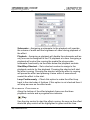
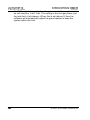
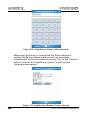
button to connect to a LightFactory system. You will see the
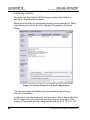
following screen appear:
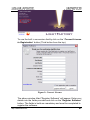
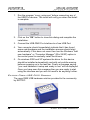
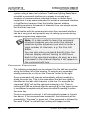
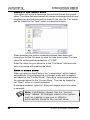
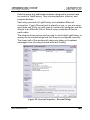
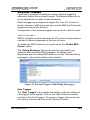
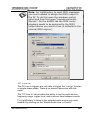
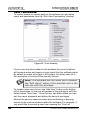
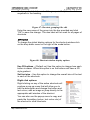
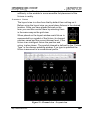
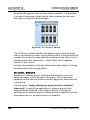
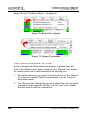
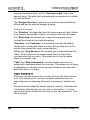
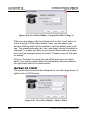
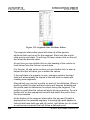
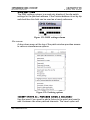
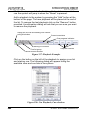
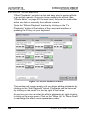
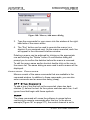
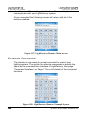
Figure 155: LightFactory Remote, Connect Screen
288
© 2004 - 2010 Dream Solutions Ltd