1
ENCOM STRATOS plus
USER MANUAL
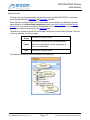
Add Folder
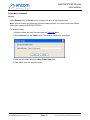
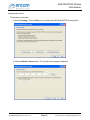
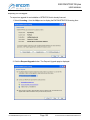
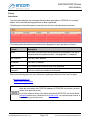
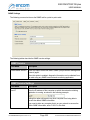
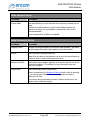
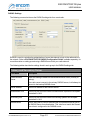
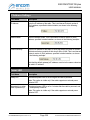
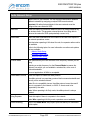
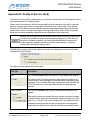
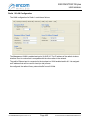
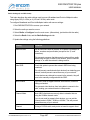
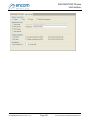
Select Add Folder from the Folder menu to add a new folder to the Radio List.
To add a new folder:
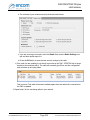
1. In the Radio List panel, select an existing folder in which to place the new folder.
2. Select Add Folder from the Folder menu.
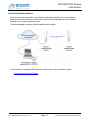
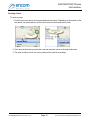
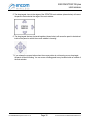
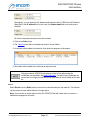
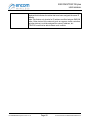
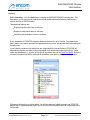
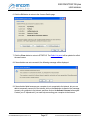
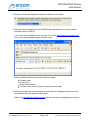
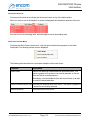
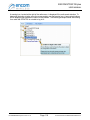
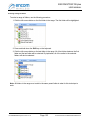
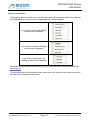
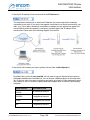
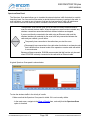
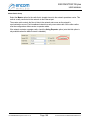
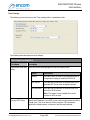
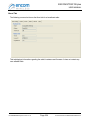
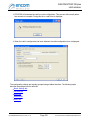
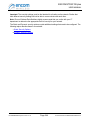
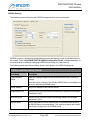
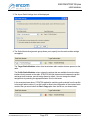
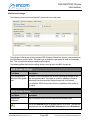
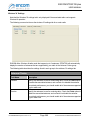
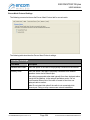
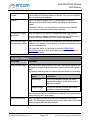
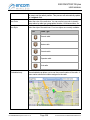
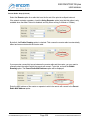
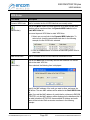
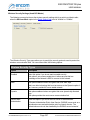
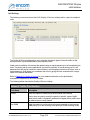
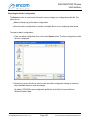
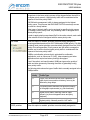
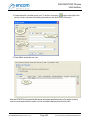
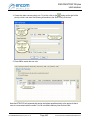
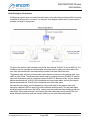
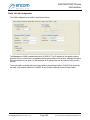
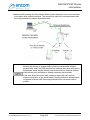
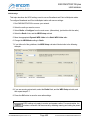
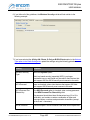
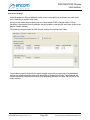
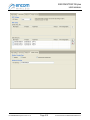
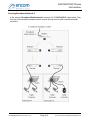
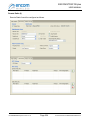
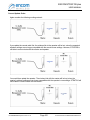
If you want to create a top level folder (a folder that is not contained in a parent folder), click
the right mouse button outside of the radio list items, and select Add Folder from the pop-up
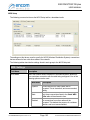
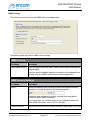
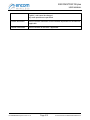
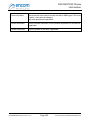
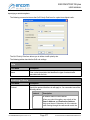
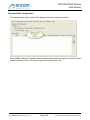
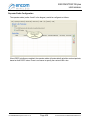
menu that is displayed, as shown in the following example:
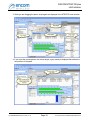
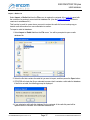
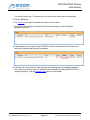
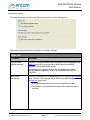
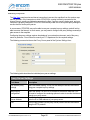
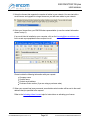
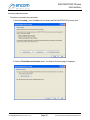
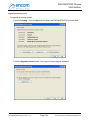
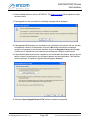
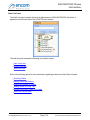
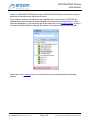
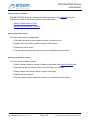
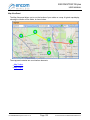
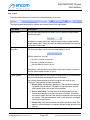
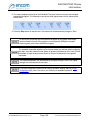
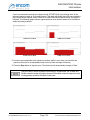
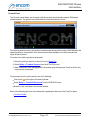
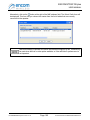
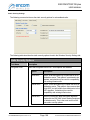
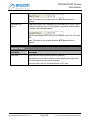
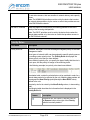
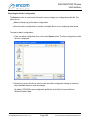
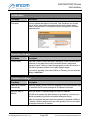
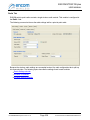
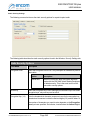
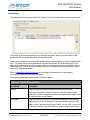
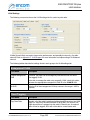
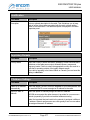
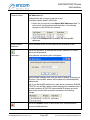
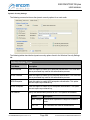
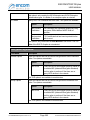
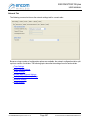
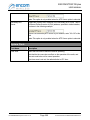
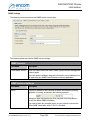
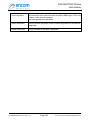
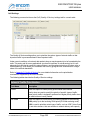
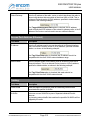
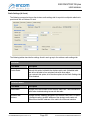
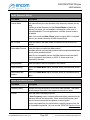
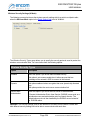
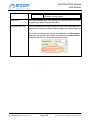
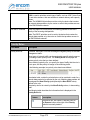
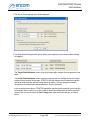
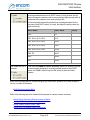
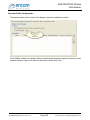
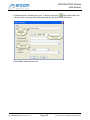
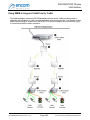
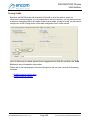
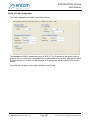
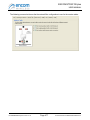
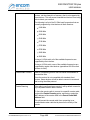
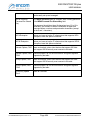
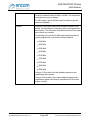
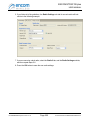
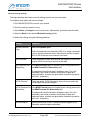
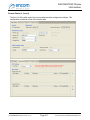
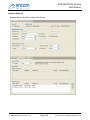
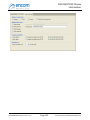
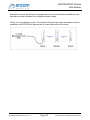
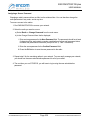
The Add Folder form is displayed:
3. Enter the appropriate name in the New Folder Name field.
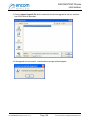
4. Press OK to create the new folder.
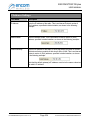
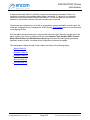
Delete
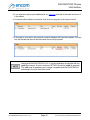
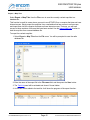
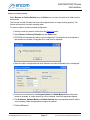
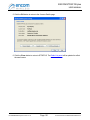
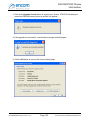
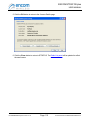
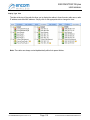
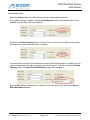
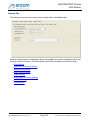
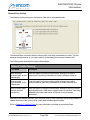
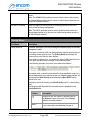
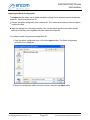
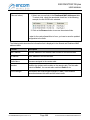
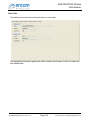
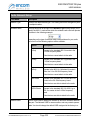
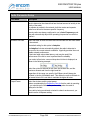
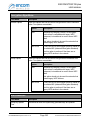
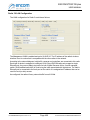
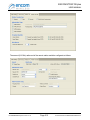
Select Delete from the Folder menu to delete the folder that is selected in the Radio List panel.
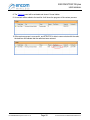
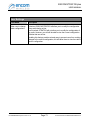
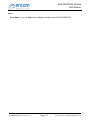
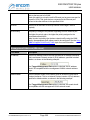
Note: You cannot delete a folder that contains radios (you must delete the radios that it contains
first). Also, you cannot delete the Default folder that is created by ENCOM STRATOS.
For ENCOM STRATOS plus Version 2.1.71
Page 63
© 2010-2015 Encom Wireless Data Solutions Inc.