1
ENCOM STRATOS plus
USER MANUAL
Radio Settings (N Cards)
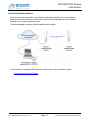
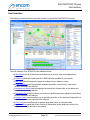
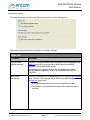
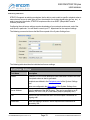
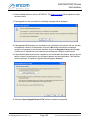
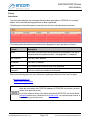
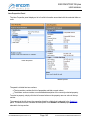
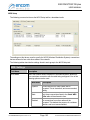
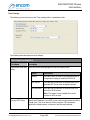
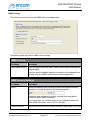
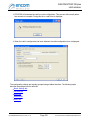
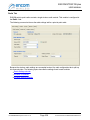
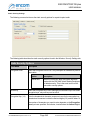
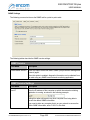
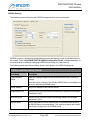
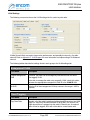
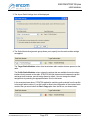
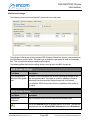
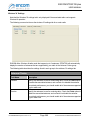
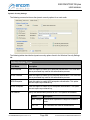
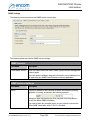
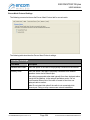
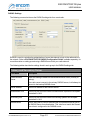
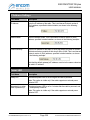
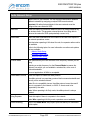
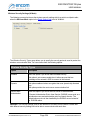
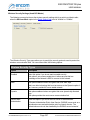
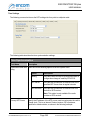
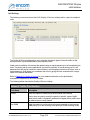
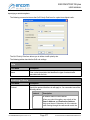
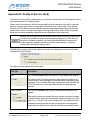
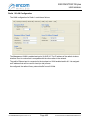
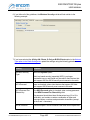
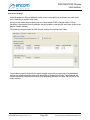
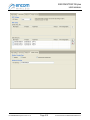
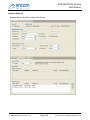
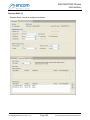
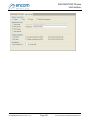
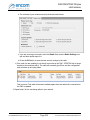
The following screen shot shows the wireless radio settings tab for a point-to-multipoint radio that is
provisioned with a Wireless-'N' card:
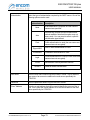
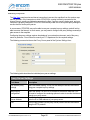
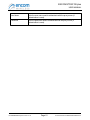
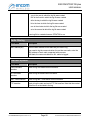
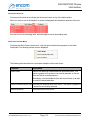
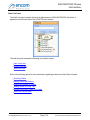
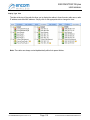
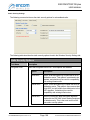
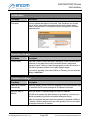
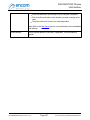
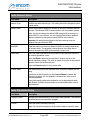
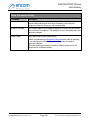
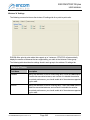
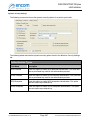
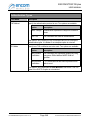
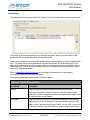
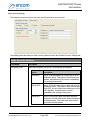
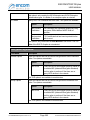
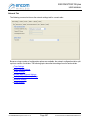
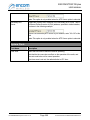
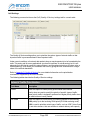
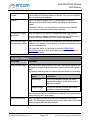
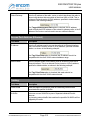
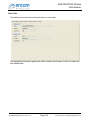
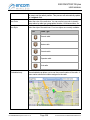
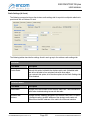
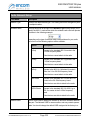
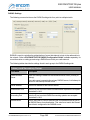
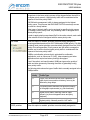
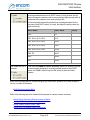
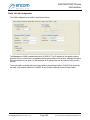
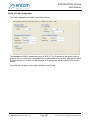
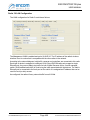
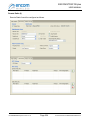
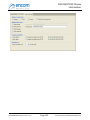
The following tables describe the settings found in each group in the wireless radio settings tab.
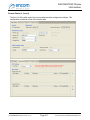
General
Field Name
Description
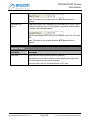
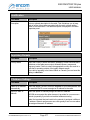
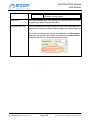
Enable Radio
Uncheck this option to disable the wireless radio card. A disabled radio
card will not be able to form wireless links with other radios.
If you uncheck this option, all of the other options in the Radio Settings tab
will be disabled.
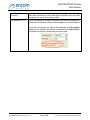
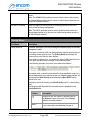
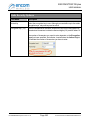
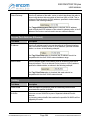
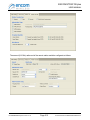
Identification
Field Name
Description
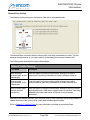
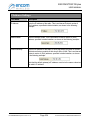
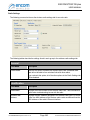
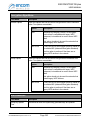
Radio Model
Displays the model number of the wireless radio card. This information is
useful when troubleshooting issues with the radio.
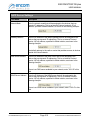
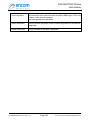
Wireless MAC
Address
Displays the MAC address assigned to the wireless radio card. For pointto-multipoint radios, the MAC address of the wireless radio cards are
different than the MAC address of the radio's first Ethernet interface.
For ENCOM STRATOS plus Version 2.1.71
Page 331
© 2010-2015 Encom Wireless Data Solutions Inc.