1
ENCOM STRATOS plus
USER MANUAL
MAC Access Settings
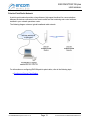
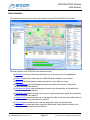
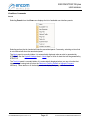
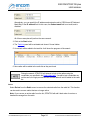
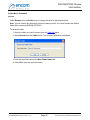
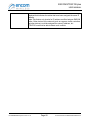
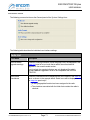
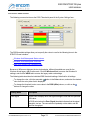
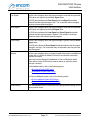
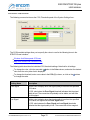
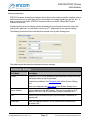
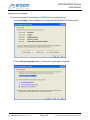
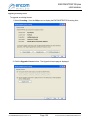
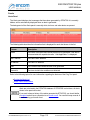
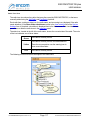
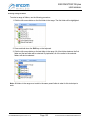
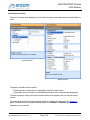
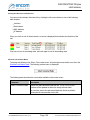
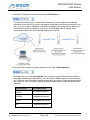
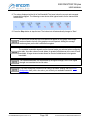
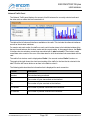
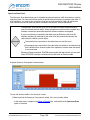
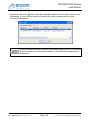
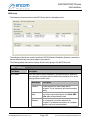
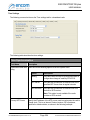
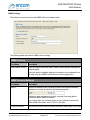
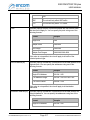
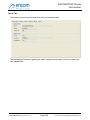
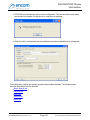
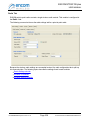
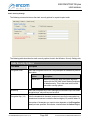
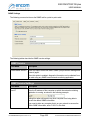
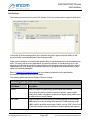
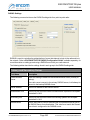
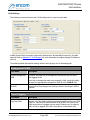
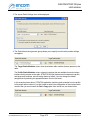
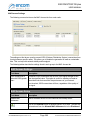
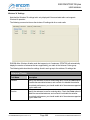
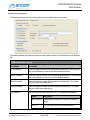
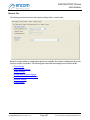
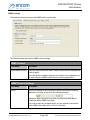
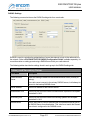
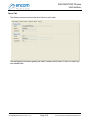
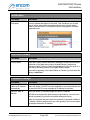
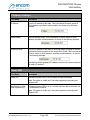
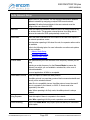
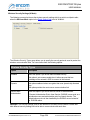
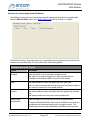
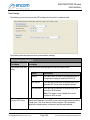
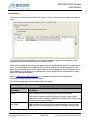
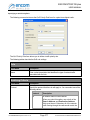
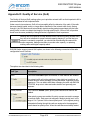
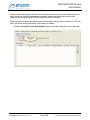
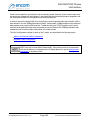
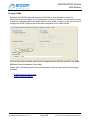
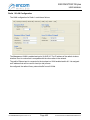
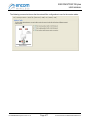
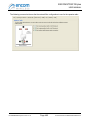
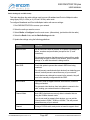
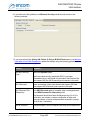
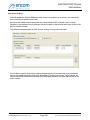
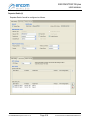
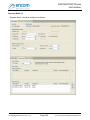
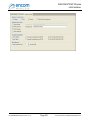
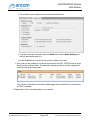
The following screen shot shows the MAC Access tab for a mesh radio:
The settings on this tab are used to prevent WDS (Wireless Distribution System) connections from
forming between specific radios. This allows you to disable the generation of weak or undesirable
links. This can help with network stability and throughput.
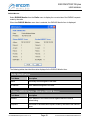
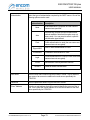
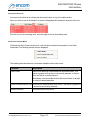
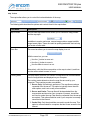
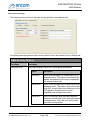
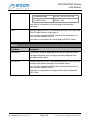
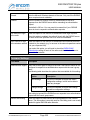
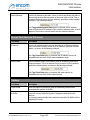
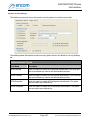
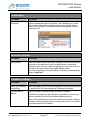
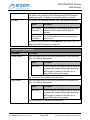
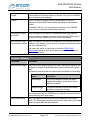
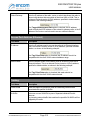
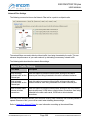
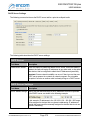
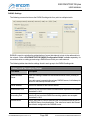
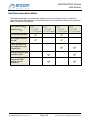
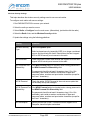
The following tables describe the settings found in each group in the MAC Access tab.
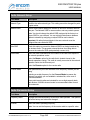
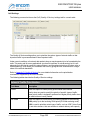
MAC Access Settings
Field Name
Description
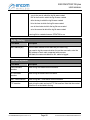
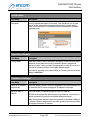
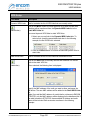
Limit connections to
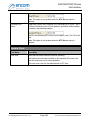
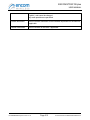
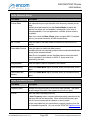
If checked, WDS connections will not form if the signal strength is less
links with RSSI greater than the specified value. This option is useful for weeding out weak or
than...
intermittent links that can affect the performance of your network.
If not checked, WDS connections will form, regardless of the quality of
the signal.
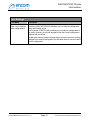
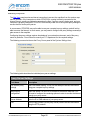
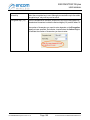
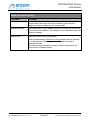
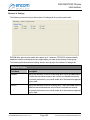
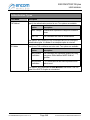
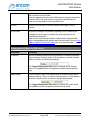
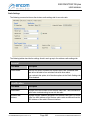
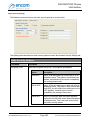
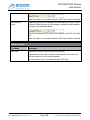
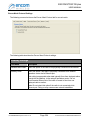
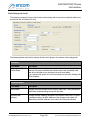
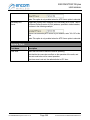
MAC Access Setup
Field Name
Description
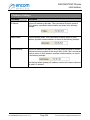
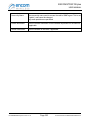
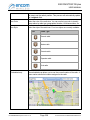
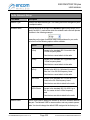
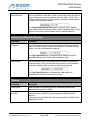
Allowed MAC
Addresses
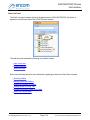
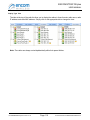
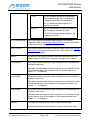
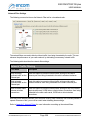
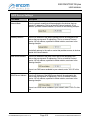
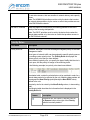
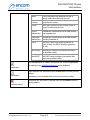
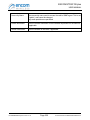
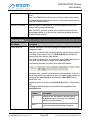
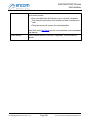
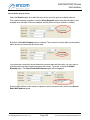
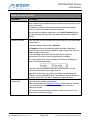
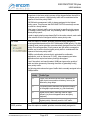
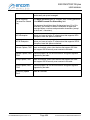
This list contains the list of WDS links that are currently active.
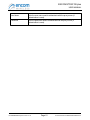
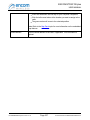
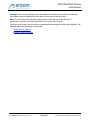
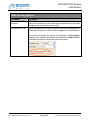
Click on the Disallow button to disallow specific WDS links. The links will
be transferred from the Allowed MAC Addresses list to the Disallowed
For ENCOM STRATOS plus Version 2.1.71
Page 286
© 2010-2015 Encom Wireless Data Solutions Inc.