1
ENCOM STRATOS plus
USER MANUAL
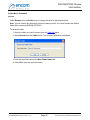
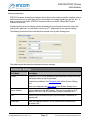
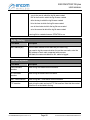
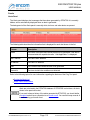
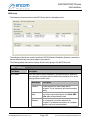
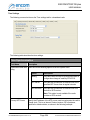
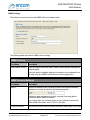
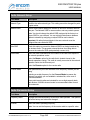
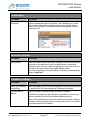
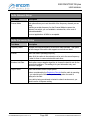
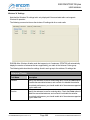
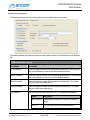
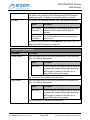
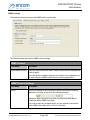
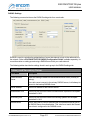
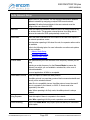
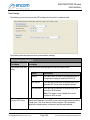
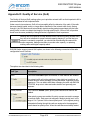
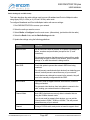
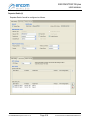
Note: This option is only enabled when the NTP Server option is selected.
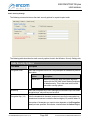
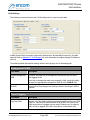
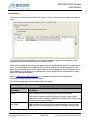
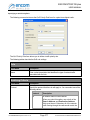
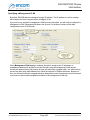
Secondary NTP
Server
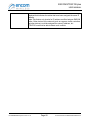
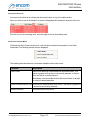
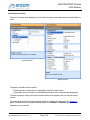
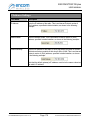
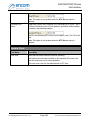
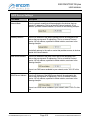
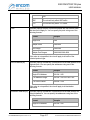
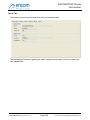
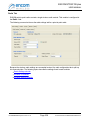
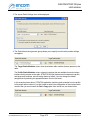
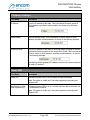
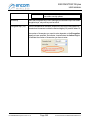
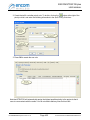
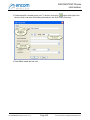
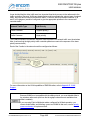
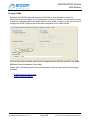
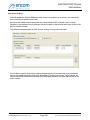
If applicable, specify the IP address of the secondary NTP server. This is
an Internet Protocol version 4 (IPv4) address, specified in dotted notation,
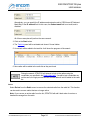
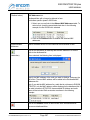
as shown in the following example:
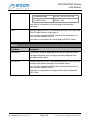
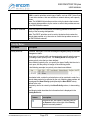
If there is no secondary NTP server in your network, enter "0.0.0.0" in this
field.
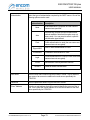
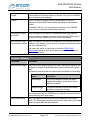
Note: This option is only enabled when the NTP Server option is selected.
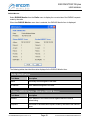
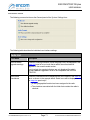
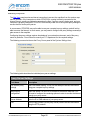
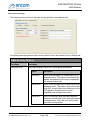
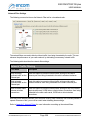
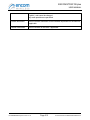
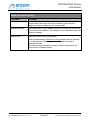
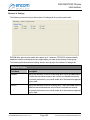
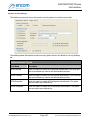
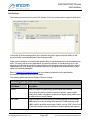
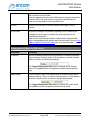
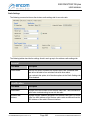
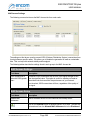
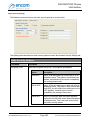
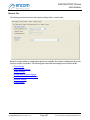
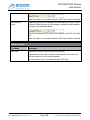
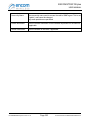
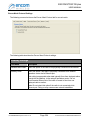
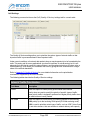
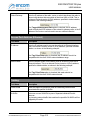
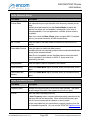
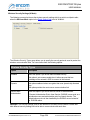
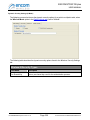
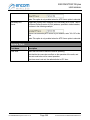
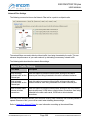
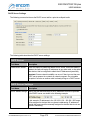
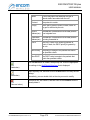
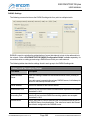
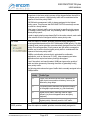
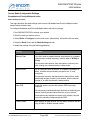
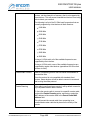
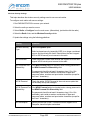
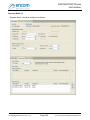
System Clock
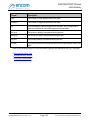
Field Name
Description
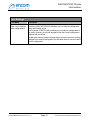
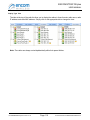
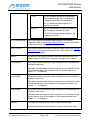
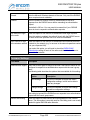
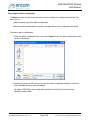
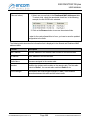
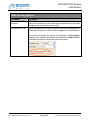
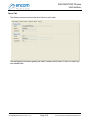
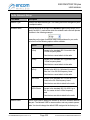
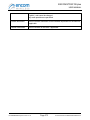
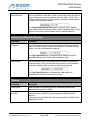
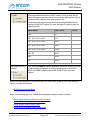
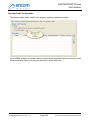
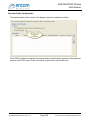
Time Zone
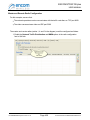
Select the time zone in which the radio is operating.
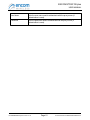
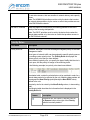
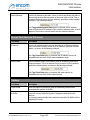
Note that the time zone has no effect on the operation of the radio, and
does not need to be set for normal operation.
If the time zone is not set, the radio defaults to UTC time.
For ENCOM STRATOS plus Version 2.1.71
Page 366
© 2010-2015 Encom Wireless Data Solutions Inc.