1
ENCOM STRATOS plus
USER MANUAL
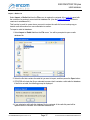
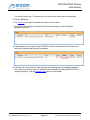
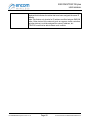
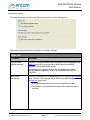
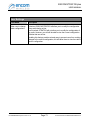
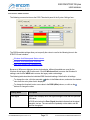
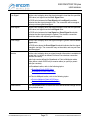
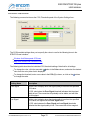
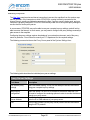
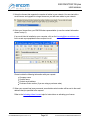
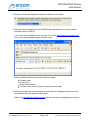
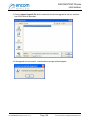
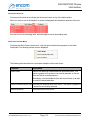
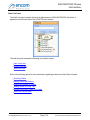
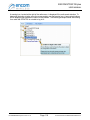
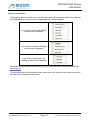
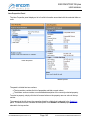
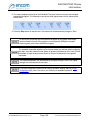
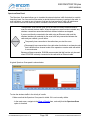
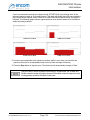
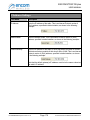
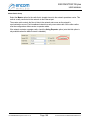
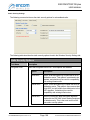
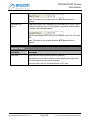
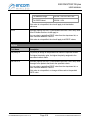
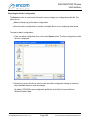
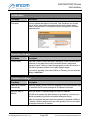
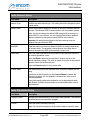
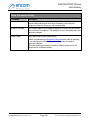
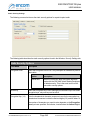
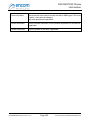
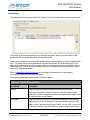
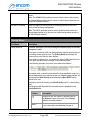
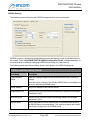
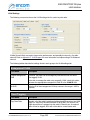
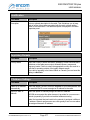
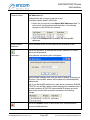
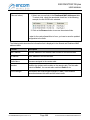
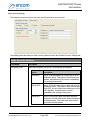
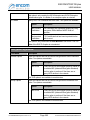
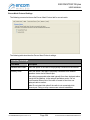
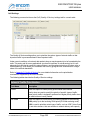
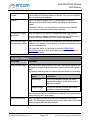
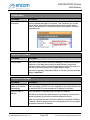
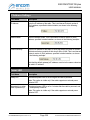
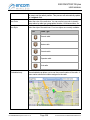
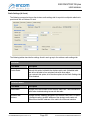
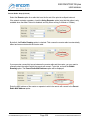
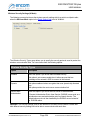
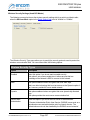
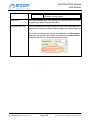
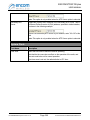
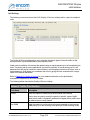
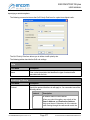
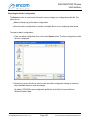
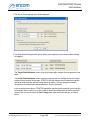
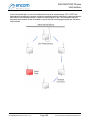
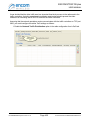
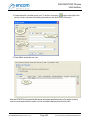
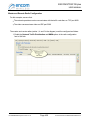
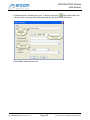
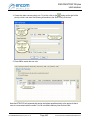
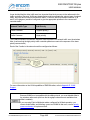
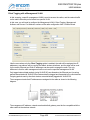
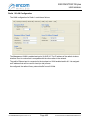
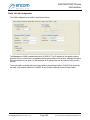
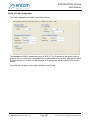
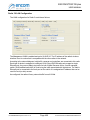
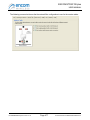
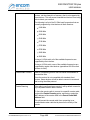
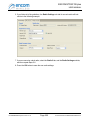
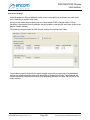
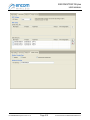
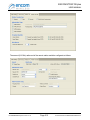
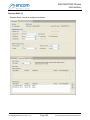
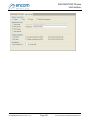
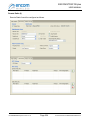
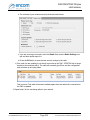
4. Create the video camera priority rule. To do this, click on the
button at the right of the
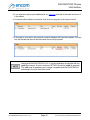
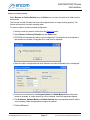
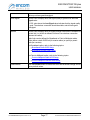
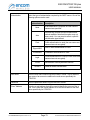
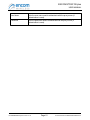
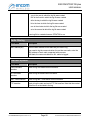
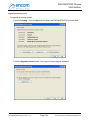
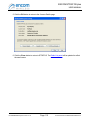
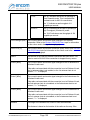
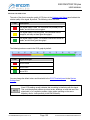
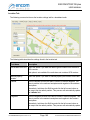
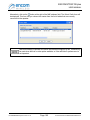
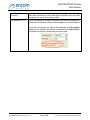
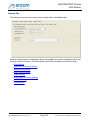
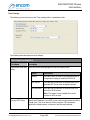
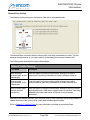
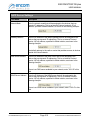
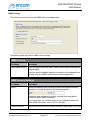
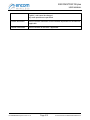
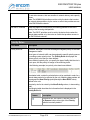
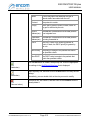
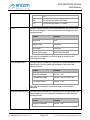
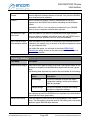
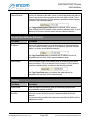
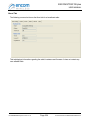
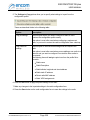
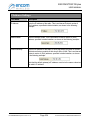
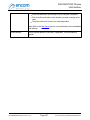
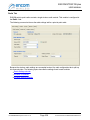
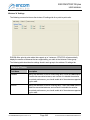
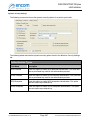
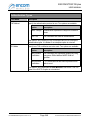
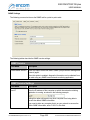
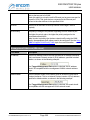
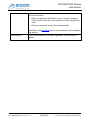
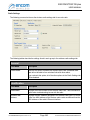
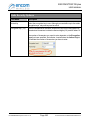
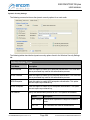
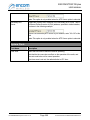
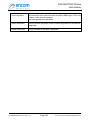
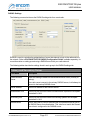
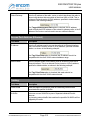
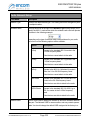
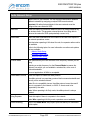
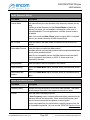
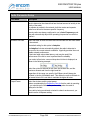
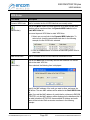
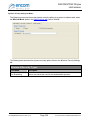
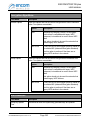
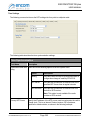
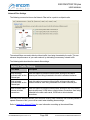
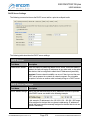
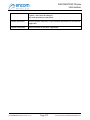
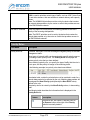
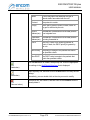
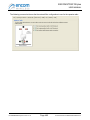
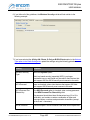
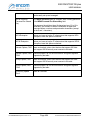
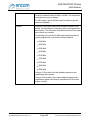
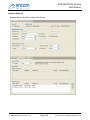
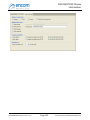
priority rule list, and enter the following information in the QoS Priority Rule form:
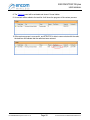
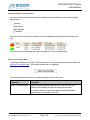
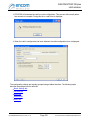
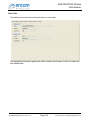
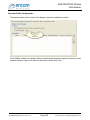
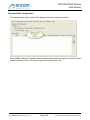
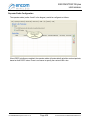
5. Press OK to create the new rule.
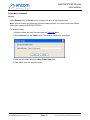
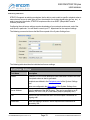
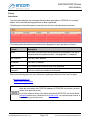
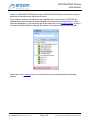
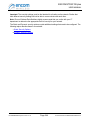
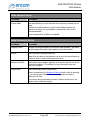
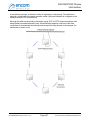
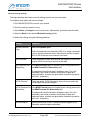
Note that STRATOS will automatically assign the highest possible priority to the protocols that it
uses to communicate with the radios. You do not need to add any rules for this traffic.
For ENCOM STRATOS plus Version 2.1.71
Page 443
© 2010-2015 Encom Wireless Data Solutions Inc.