1
General User Interface
Layers
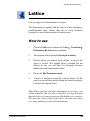
The World Browser offers an ulterior tool, which is very useful
for organizing your models and particularly when managing
complex ones: layers.
Layers allow you to associate some objects regardless of any
group hierarchy of your model.
You do not have to necessarily use layers. Nonetheless, objects
are always created on a default layer. If you create other layers
you will have to specify which should be the current layer, i.e.
the one to which objects are automatically assigned when they
are added to the scene.
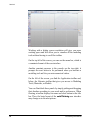
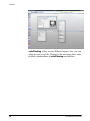
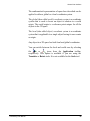
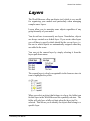
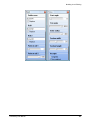
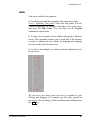
You can set the current layer by simply selecting it from the
layers pull-down menu.
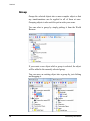
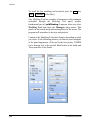
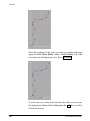
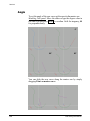
The current layer is clearly recognizable in the browser since its
icon is highlighted in yellow.
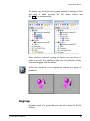
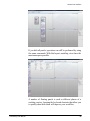
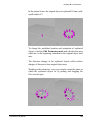
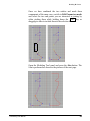
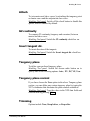
When you select an object that belongs to a layer, the folder icon
for that layer in the World Browser has a partially red state. The
folder will only have a fully red state when the layer itself is
selected. This allows you to identify the objects that belong to a
specific layer.
solidThinking User Manual
119