1
Modeling Î Transformations
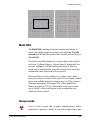
Step copy
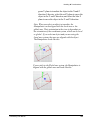
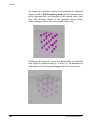
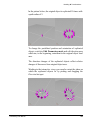
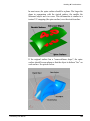
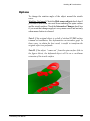
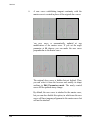
Creates a user-defined number of copies in 3D space applying
incremental transformations, i.e. each transformation is applied to
each replicated object with respect to the previous one.
This modeling tool is a modifier, not an action; therefore it does
not feature a construction tree.
How to use
solidThinking User Manual
1.
Select one or more objects or groups.
2.
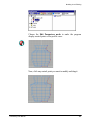
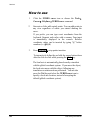
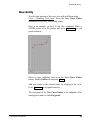
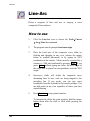
Click the Step copy icon or choose the Tools4 Transform4
Replicators4Step Copy menu command.
3.
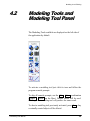
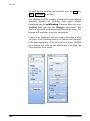
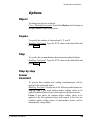
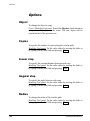
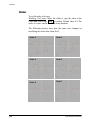
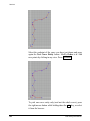
In the Modeling Tool panel set the number of copies by
either typing a value in the Copies data field or moving the
slider.
4.
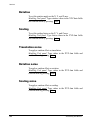
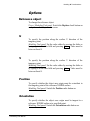
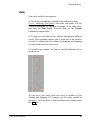
In case, set translation, rotation, and scale on the X, Y, and
Z axes as well as noise effects.
5.
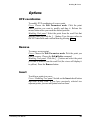
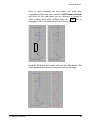
Press the Go button to perform the operation. Each time you
press the Go button you add new copies to the scene.
177