1
Section 4
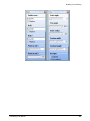
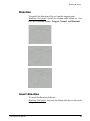
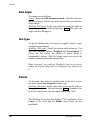
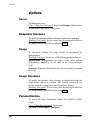
Arc type
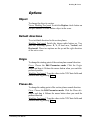
To specify whether the arc must be weighted (exact) or nonweighted (approximated).
Modeling Tool panel. Switch the chosen radio button on. You
can choose either Weighted or Non-weighted. If you choose the
first option, the number of control points is automatically
defined. With the second option you can set the number of
control points in the Points section.
Note: in general, you could use Weighted if you do not plan to
modify the original shape and Non-weighted if you want to edit
it.
Points
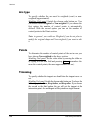
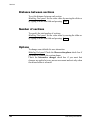
To determine the number of control points of the arc in case you
have chosen Non-weighted in the above section.
Modeling Tool panel. Set the value either by moving the slider or
by typing it in the data field and pressing Enter (remember: the
more the control points, the more approximated the arc).
.
Trimming
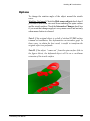
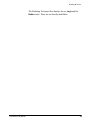
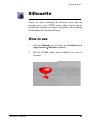
To specify whether the tangent arc should trim the tangent curve or
not.
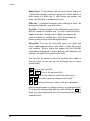
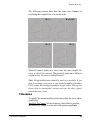
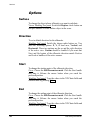
Modeling Tool panel. Switch the chosen radio button on. You have the
following options: None, Keep before, and Keep after. If you choose
the second or the third option, the arc will cut the tangent at the
intersection point. Arc and tangent will be joined in a single element.
318
solidThinking User Manual