1
Section 4
SurfDrape
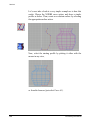
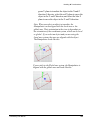
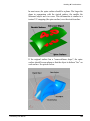
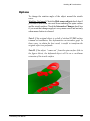
Deforms any object, starting from a spine NURBS surface,
according to a stretch NURBS surface.
The target object will be shaped according to a reference NURBS
surface. Similar to the Stretch modeling tool, SurfDrape uses
surfaces as reference objects instead of curves.
How to use
248
1.
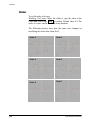
Click the SurfDrape icon or chose the Tools4 Transform
4Deformation4SurfDrape command.
2.
Pick the object to deform (it can be a surface, a curve or a
polymesh).
3.
Pick the spine surface. It must be a NURBS surface
consisting of only one NURBS surface. If the object is made
up of more than one surface only the first will be taken into
consideration.
4.
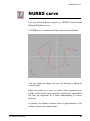
Pick the reference surface (stretch surface). It must be a
NURBS surface object consisting of only one NURBS
surface.
5.
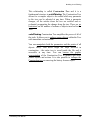
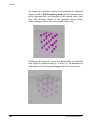
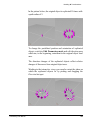
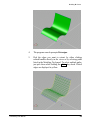
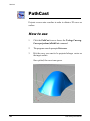
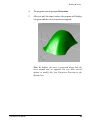
A stretched copy of the object is created. The original object
is hidden but not deleted. In fact, you will find it in
Hierarchy Browser hidden from both rendering and views.
solidThinking User Manual