1
Section 4
Options
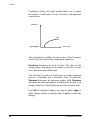
Point #1
Point #2
Point #3
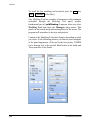
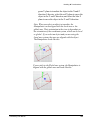
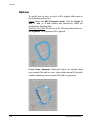
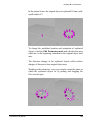
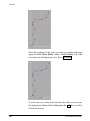
To modify XYZ coordinates of perimeter points.
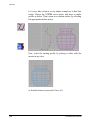
Views. Choose the Edit Parameters mode. Click the point
whose position you want to modify and drag it. Release the
mouse button when you reach the desired position.
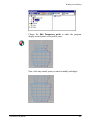
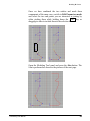
Modeling Tool panel. Type the new values in the XYZ data
fields and confirm them by pressing Enter .
Extra
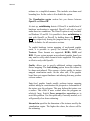
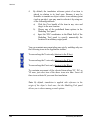
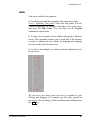
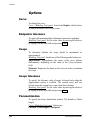
To specify whether you want to visualize the arc contour only or
also the radii that make it appear as a pie slice.
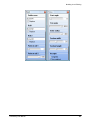
Modeling Tool panel. Switch the chosen radio button on. You
have the following options: Contour and Pie Slice.
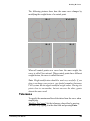
Arc type
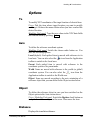
To specify whether the arc must be weighted (exact) or nonweighted (approximated).
Modeling Tool panel. Switch the chosen radio button on. You
can choose either Weighted or Non-weighted. If you choose the
first option the number of control points is automatically defined.
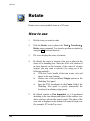
With the second option you can set the number of control points
in the Points section.
Note: in general, you could use Weighted if you do not plan to
modify the original shape and Non-weighted if you want to edit it.
306
solidThinking User Manual